

English
List of Templates
When you save a template (which contains only fields) or a standard document (which contains fields and a document) in each of the types of templates to which you have access, it is automatically added to the list of templates.
From Main menu >> General >> List of Personal Folders - eZsign, or;
Click on this icon

(eZsign Personal Folders).
- Click on List of Templates.
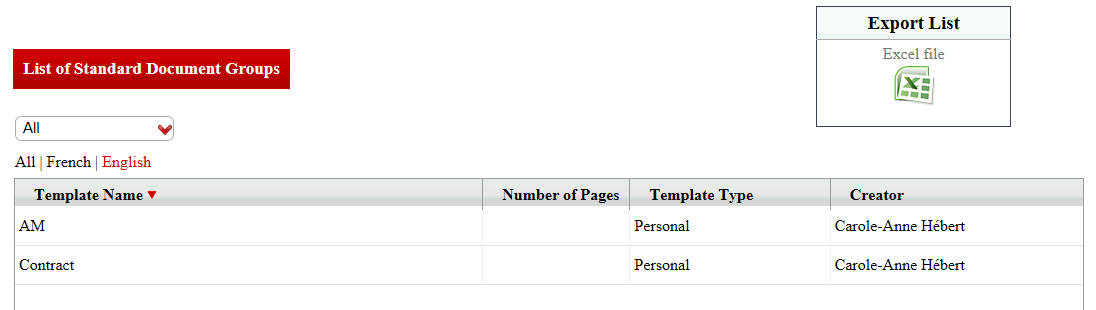
You will be able to see the Template Name , the Number of Pages (for the standard documents only), the Template Type and the Creator of each template.
You can filter the templates by language.
Click on the desired Template Name to display its information.
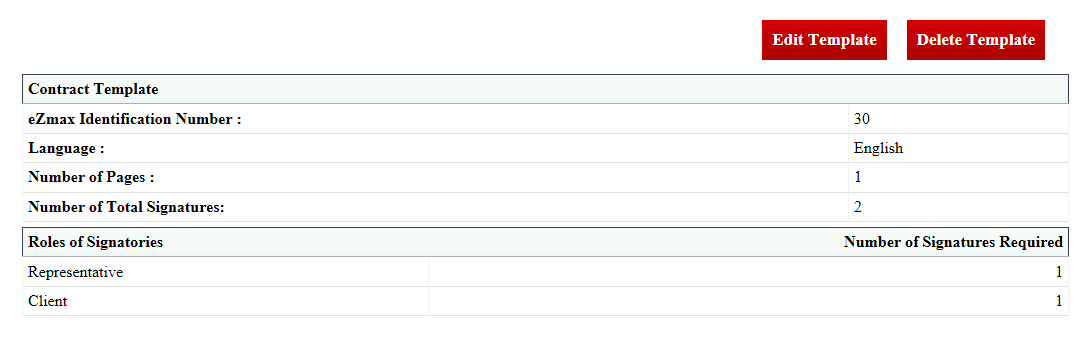
Edit the Template**
Not applicable for a standard document that is part of a standard document group.
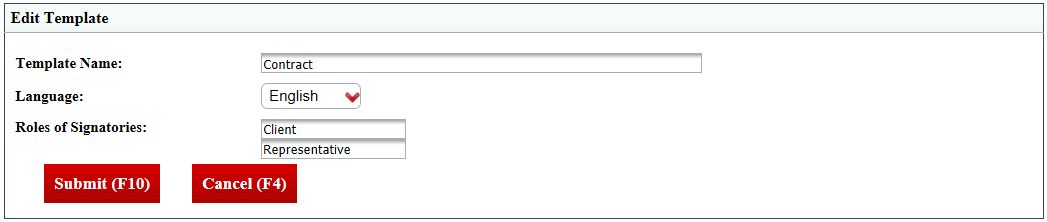
- Click on Edit Template.
Template (without document): You can change the Template Name , the Language and the Roles of Signatories.
Standard document: You can change the Template Name , the Document Name and the Roles of Signatories.
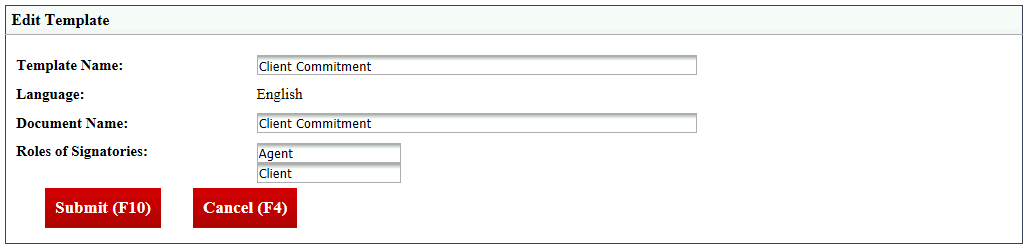
- Make the desired changes and click on Submit to save them.
Download the Document**
Applicable only for a standard document.
Click on Download****Document.
Click on Open or Save.
Delete the Template**
Not applicable for a standard document that is part of a standard document group.
- Click on Delete****Template and this warning message will appear:
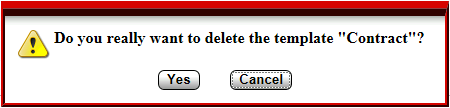
- Click on Yes to confirm.