English
List of Templates
When you save a template (which contains only fields) or a document type (which includes both fields and a document) in any of the template categories you have access to, it is automatically added to the list of templates.
- In the left-hand menu, click eZsign Templates.
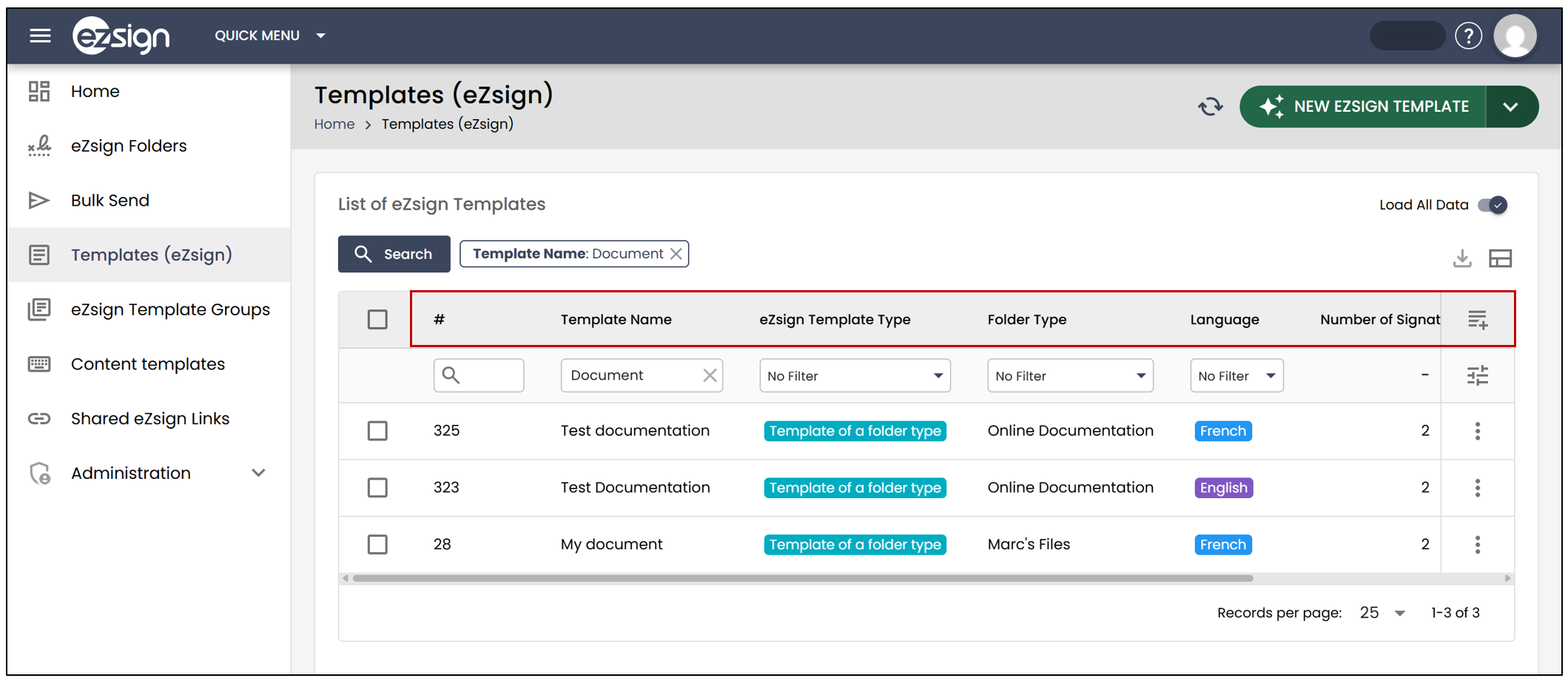
You will be able to see the Template Name , Template Type , Language , the Number of Signature Fields , as well as the Number of Form Fields for each template.
You can filter the templates by type (using the drop-down list) or by language.
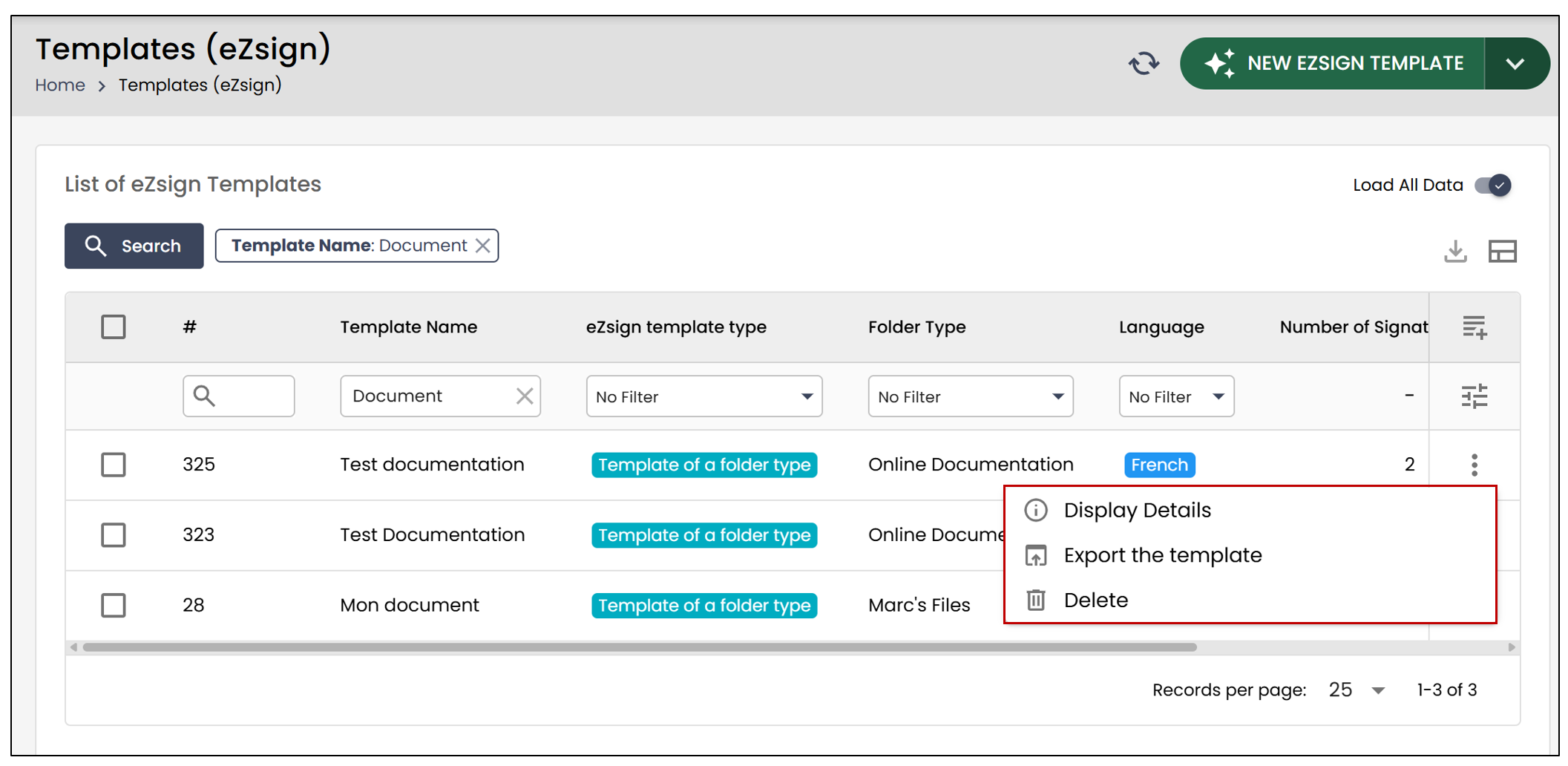
From the three-vertical-dots to the right of a template, you can Display Details , Export , or Delete the template.