English
Status of eZsign Folders
An eZsign folder progresses through distinct stages, whether it is personal or shared.
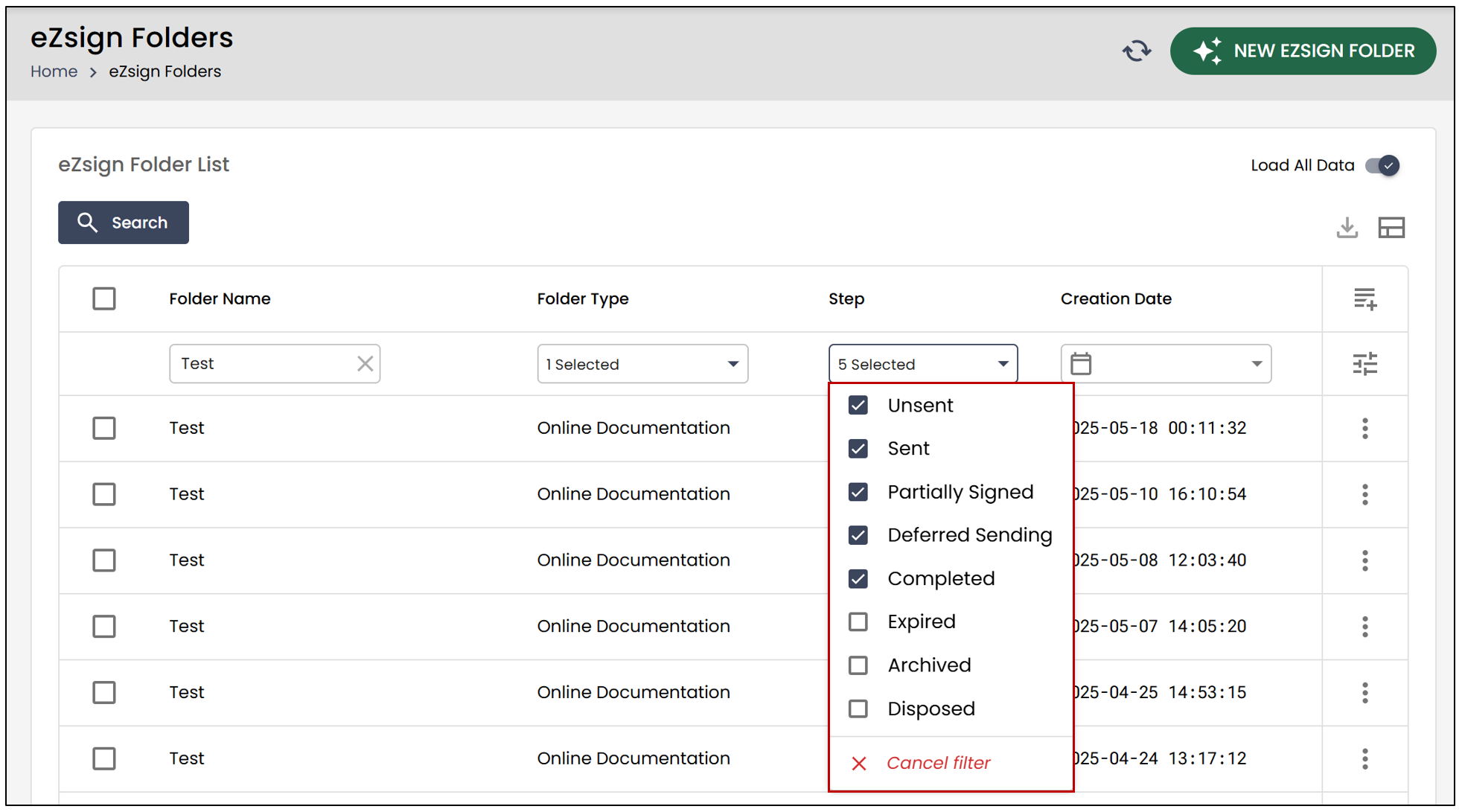
Unsent : The folder has been created, but no documents have been sent for signature.
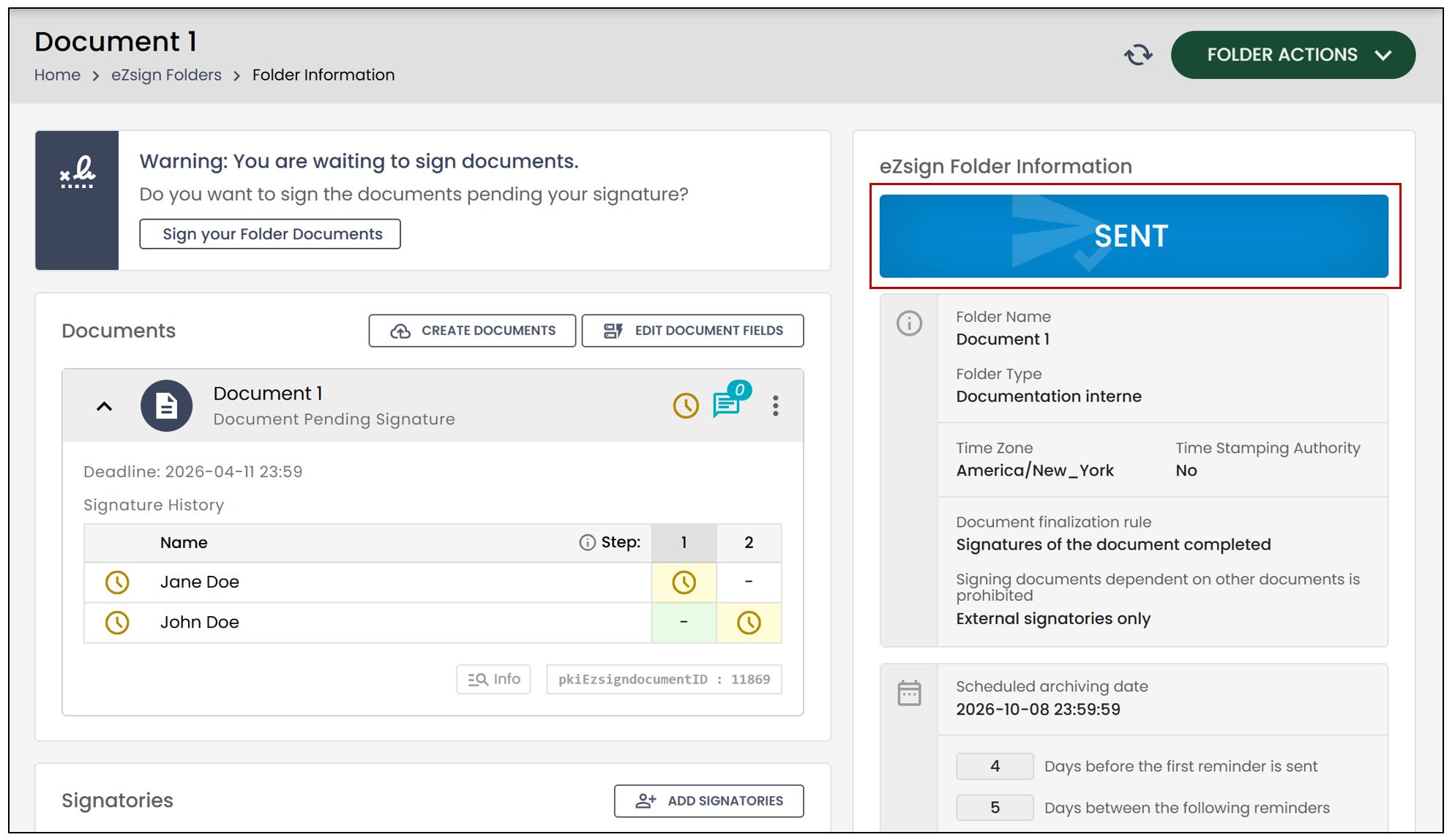
Sent : The folder contains documents that have been sent but not yet signed. The folder may include previously completed documents, but if new documents are added and remain unsigned, the folder will appear in this section.
Partially Signed : At least one document in the folder still requires signatures.
Deferred Sending : Users can choose a future send date when creating and sending a folder. Scheduled sending refers to pending sends between the folder’s creation and its actual dispatch.
Completed : All documents in the eZsign folder have been signed.
Expired : The deadline for signing the documents has passed.
Archived : An eZsign folder is automatically archived based on the number of days configured. Archived folders cannot be reactivated, but a new folder with the same name can be created by adding “(2)” at the end, for example.
NOTE: For an individual account, an eZsign folder is automatically archived 180 days after the date of the last completed signature or the expiration date if the document was not completed.
- Disposed : A folder that has been permanently removed by the user. Signer information and documents will be erased, and the folder name will be replaced with an identification number.
NOTE: A folder can only be disposed if it has been previously archived and if the folder type allows it.
The current stage of the folder is also displayed in the eZsign Folder Information section.