English
Subscribe or Renew Your Subscription to eZsign (eZsign Web)
Subscribe or Renew Your Subscription to eZsign (eZsign Web)
This article explains how to subscribe to eZsign at the end of your trial period and how to renew your subscription if you are already subscribed.
Subscribe to eZsign
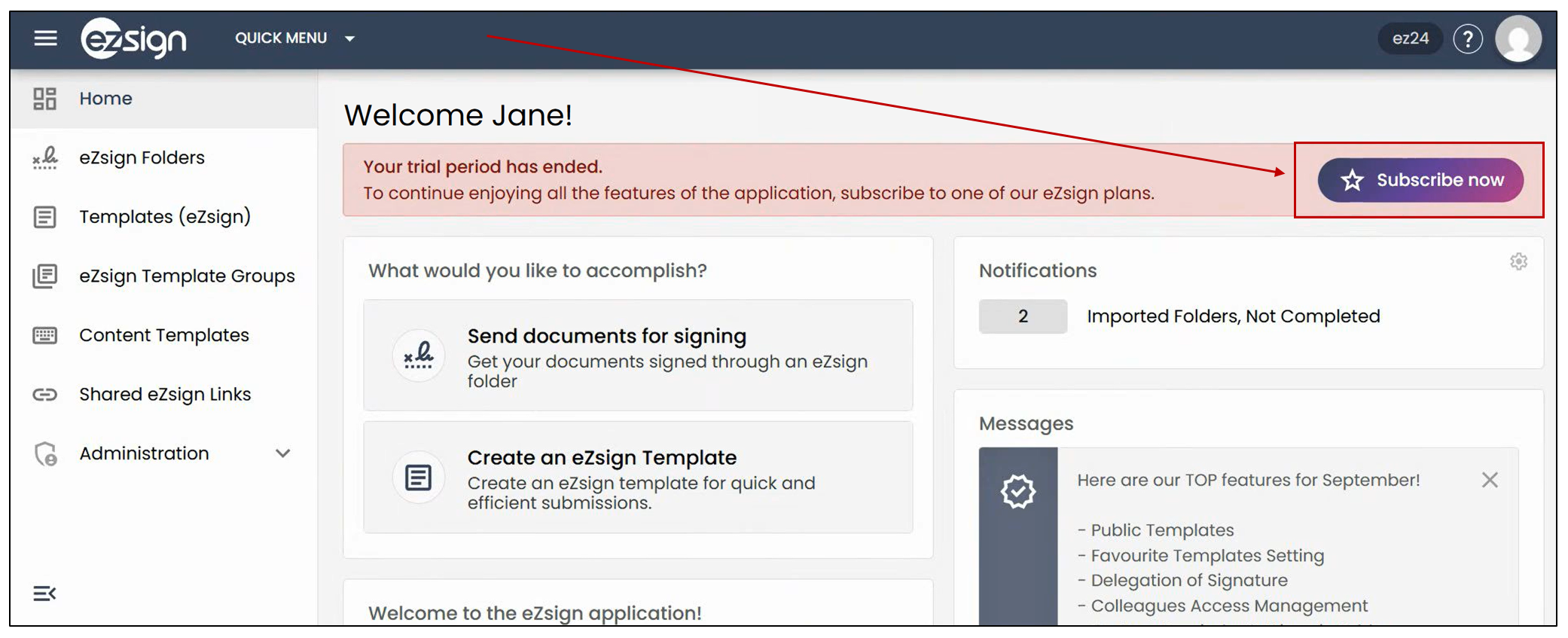
If your trial period has ended, a dedicated tab will appear on your home page, allowing you to subscribe directly.
- Click on Subscribe Now.
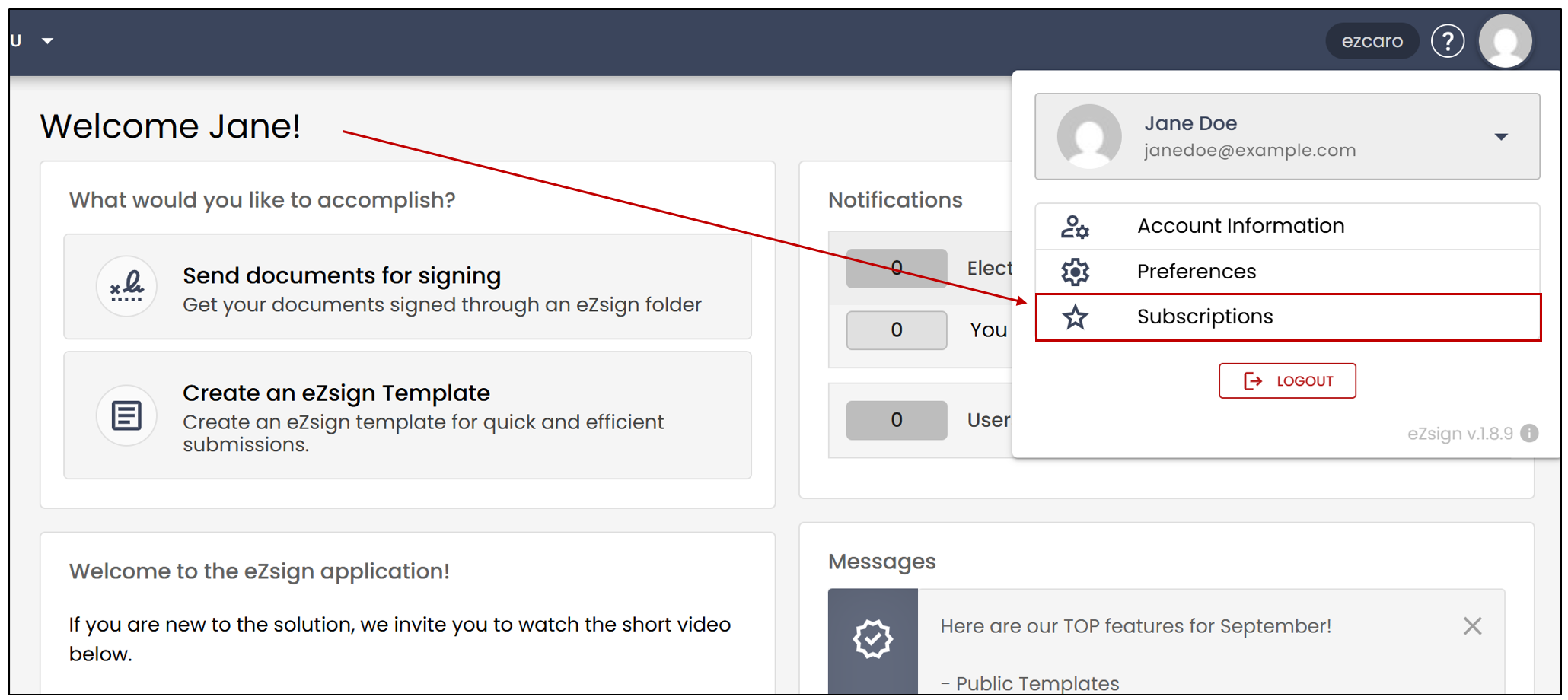
If, for any reason, the option does not appear on your home page, you can click on the profile icon at the top of the page, then select Subscriptions. This will take you to the same page.
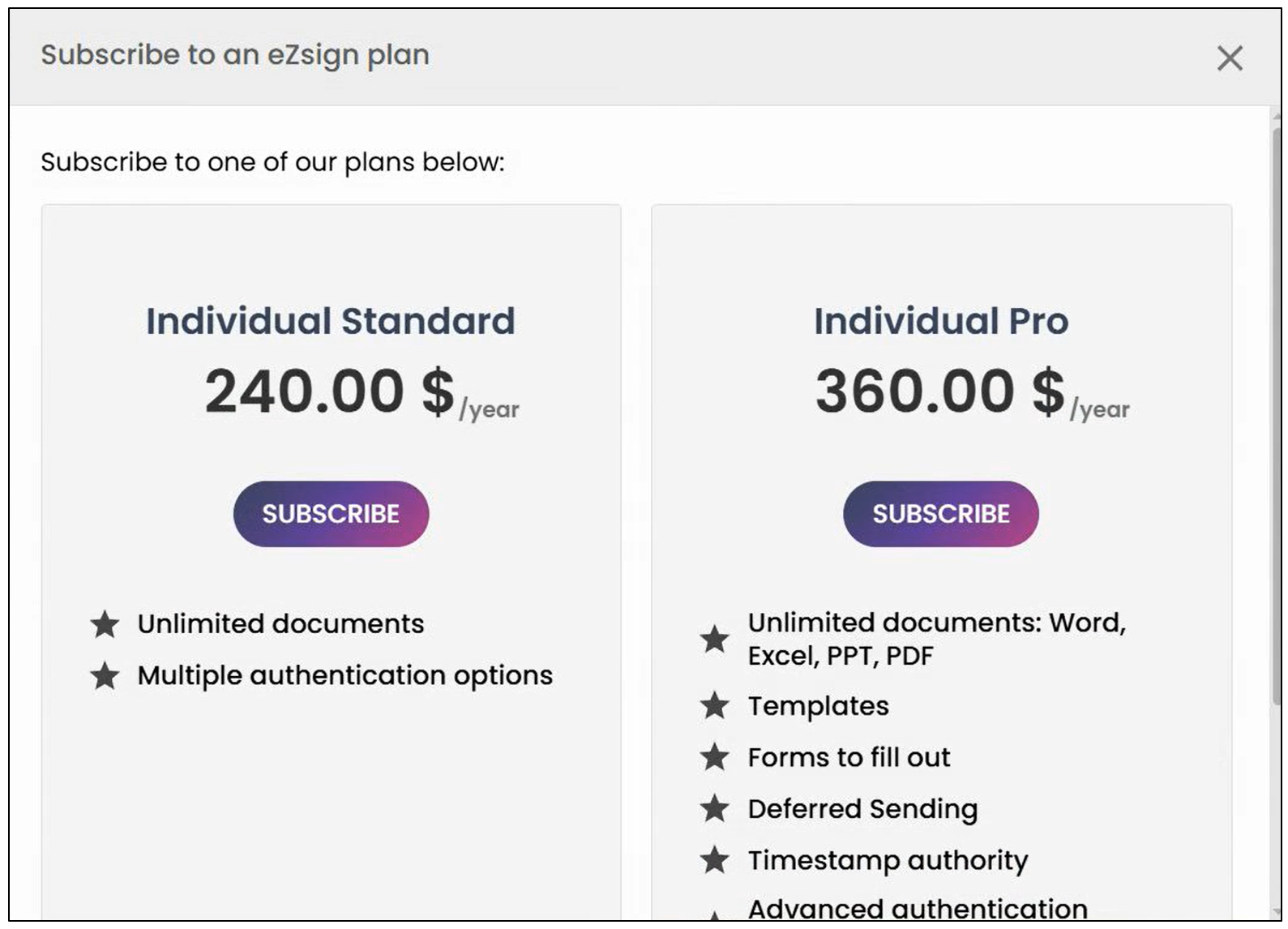
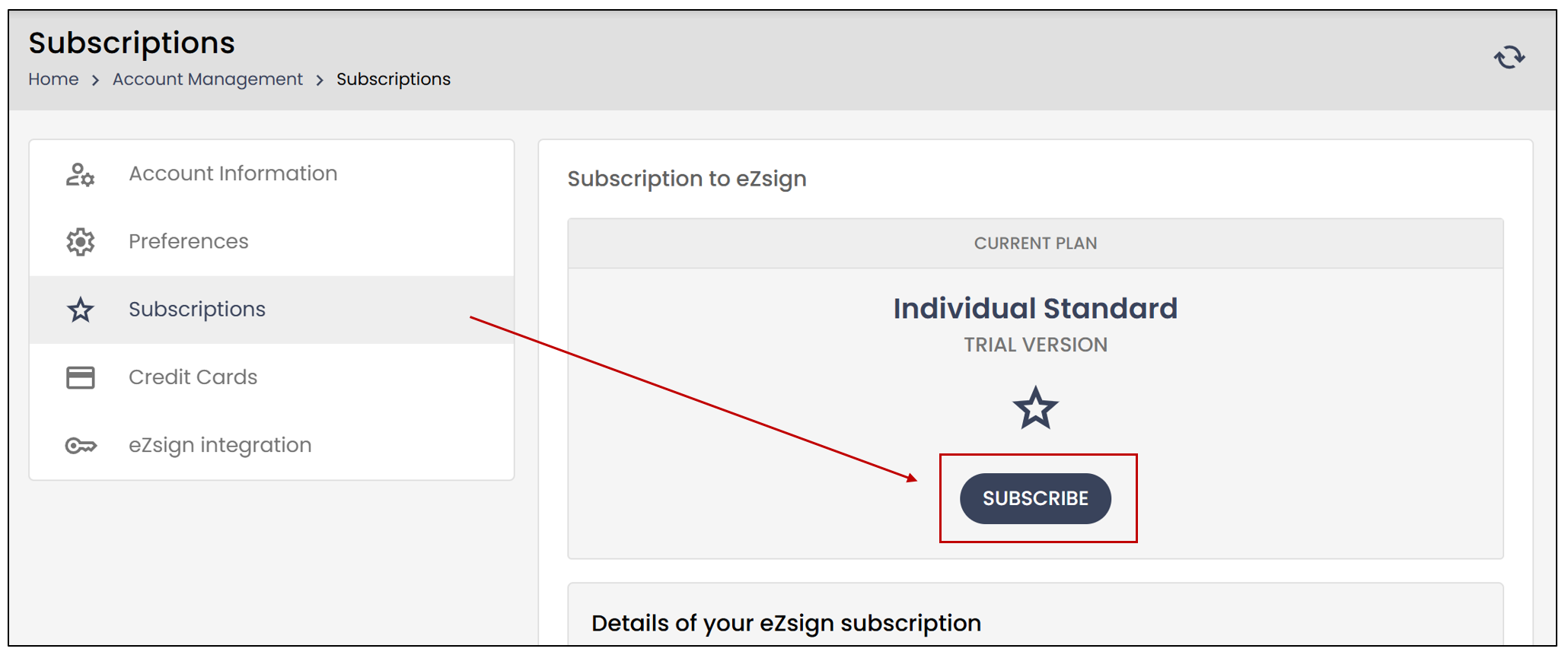
- Click the Subscribe button to view the available plans.
- Click the Subscribe button for the desired plan.
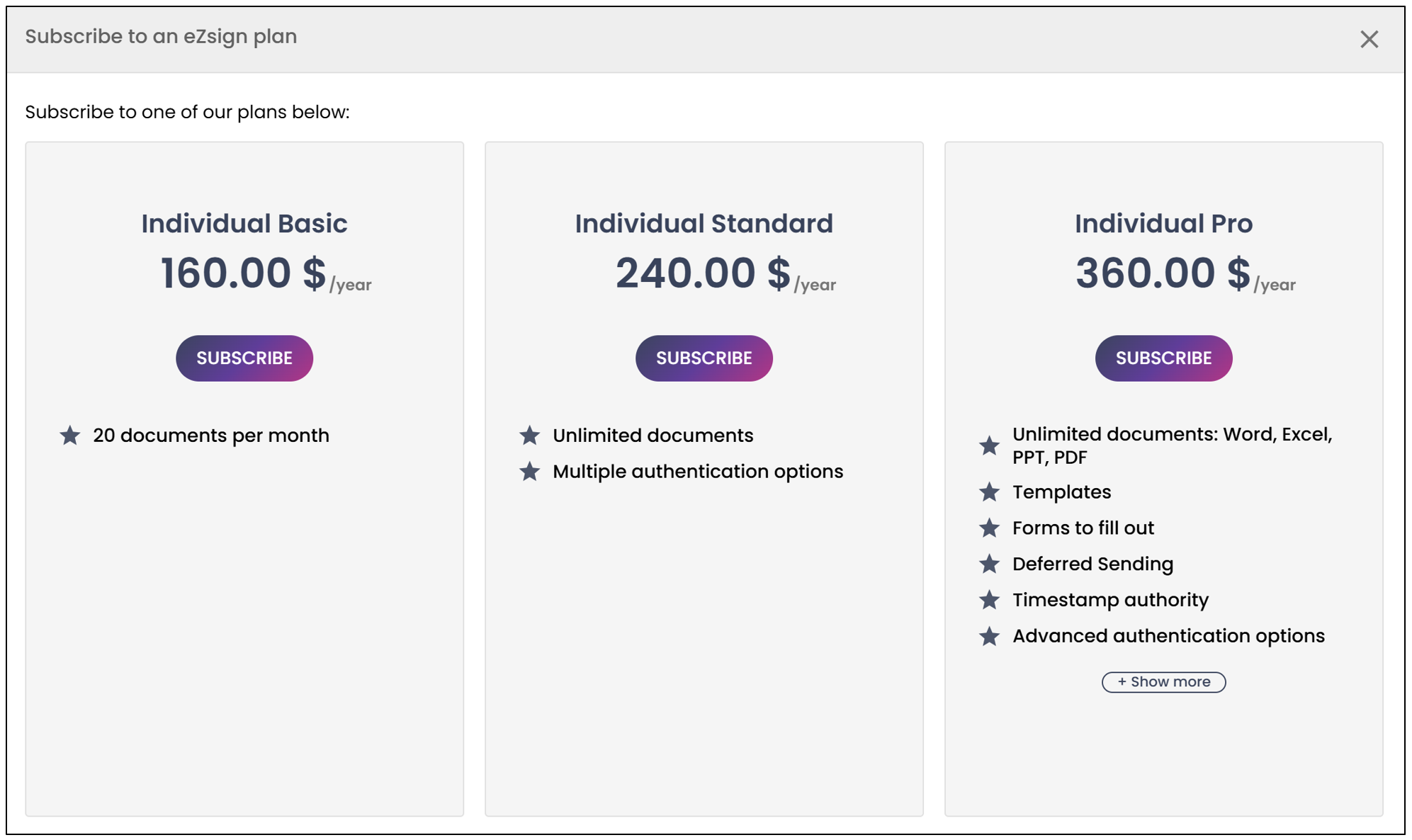
NOTE: If no billing address is saved, the system will prompt you to add one. If an address already exists, it will be displayed and can be edited at any time.
All information related to the payment of the selected plan will be available:
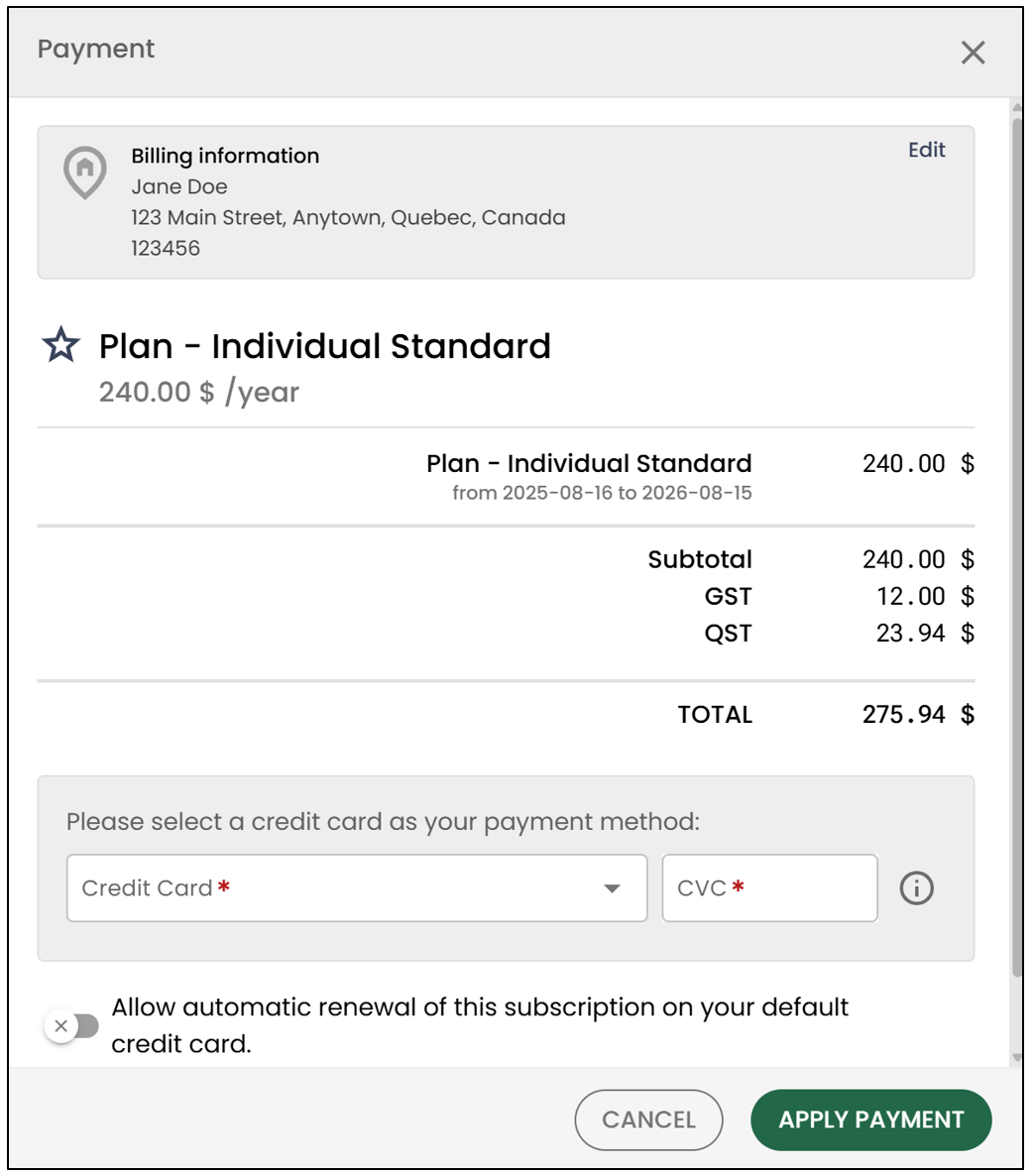
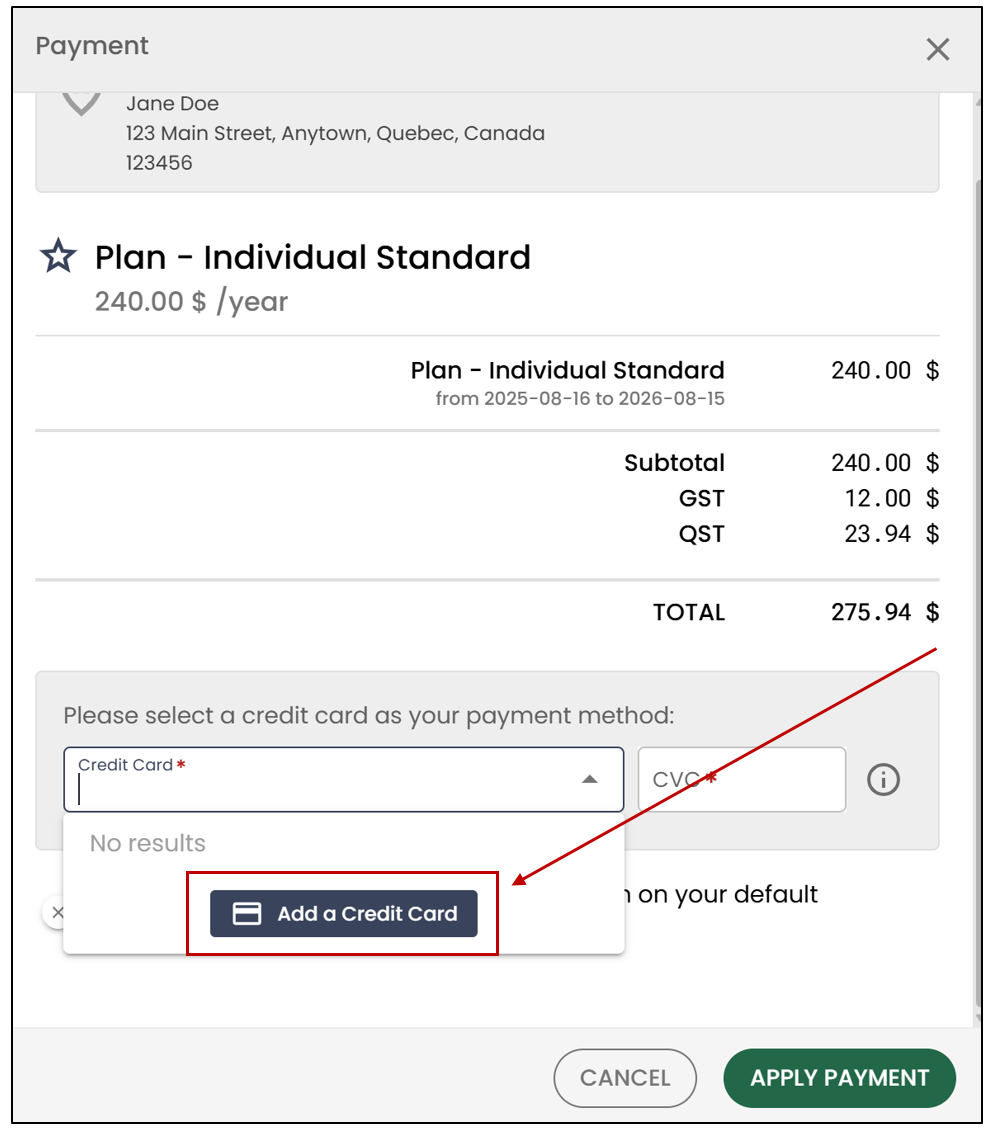
- You can select a credit card from the drop-down list or click on Add a Credit Card.
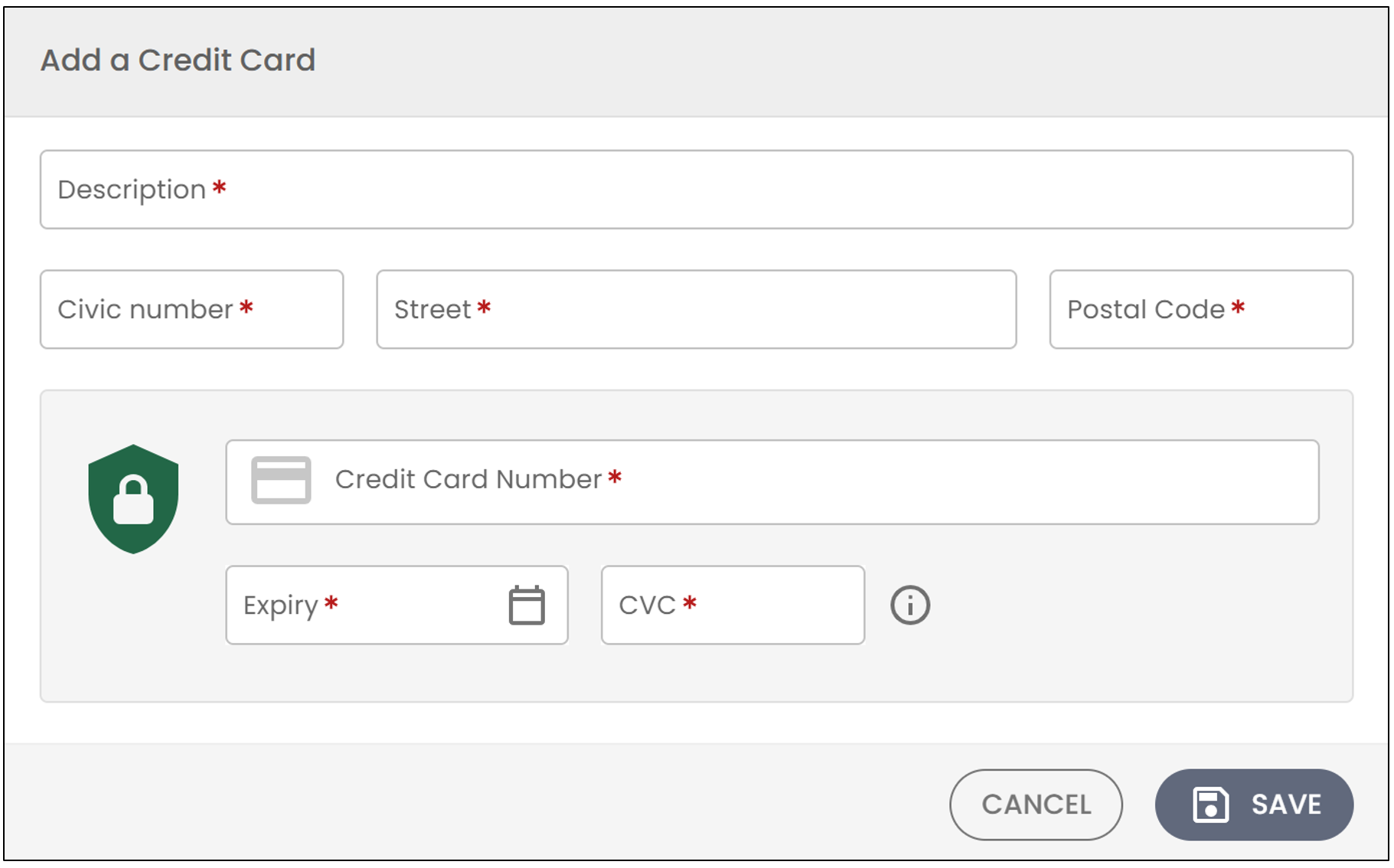
- You can enter all the information related to this credit card, then click Save.
- You can then select it from the drop-down list.
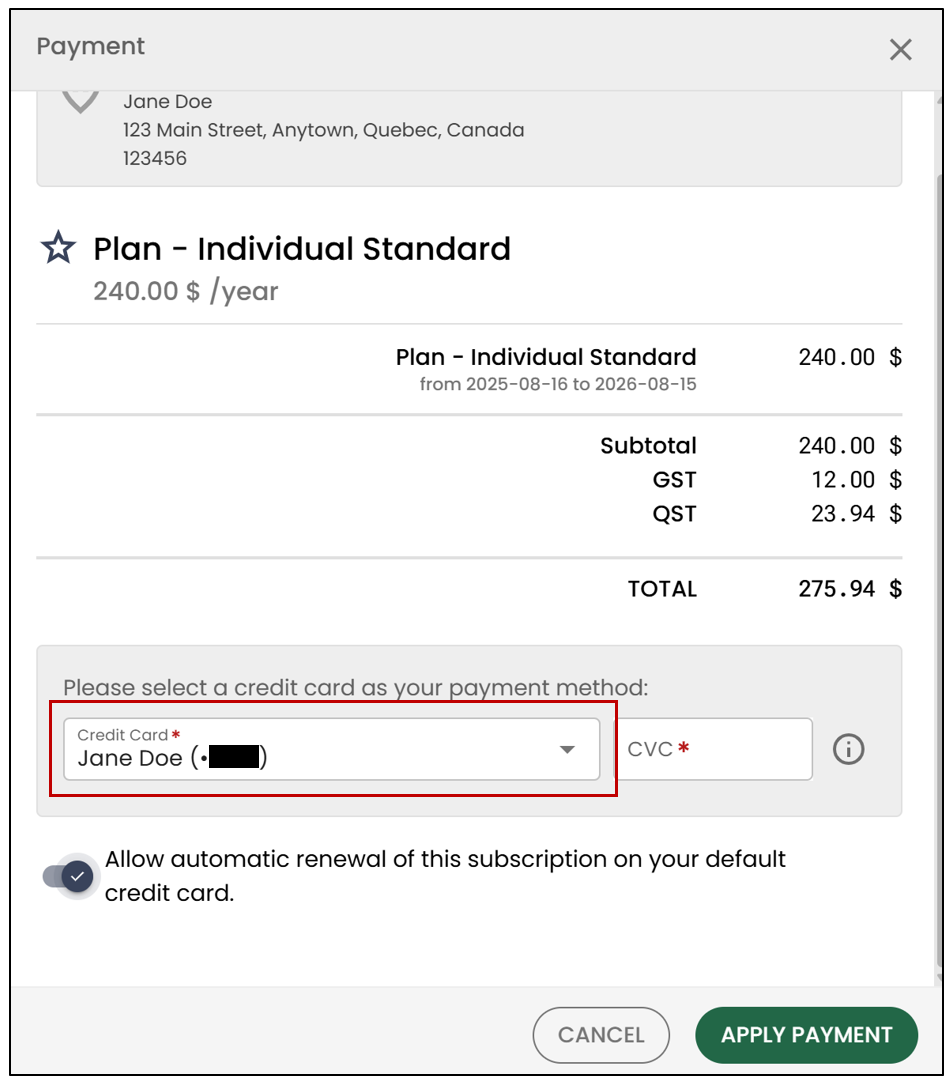
NOTE: You will have the option to enable automatic renewal for this subscription, which will renew each year without any action required on your part.
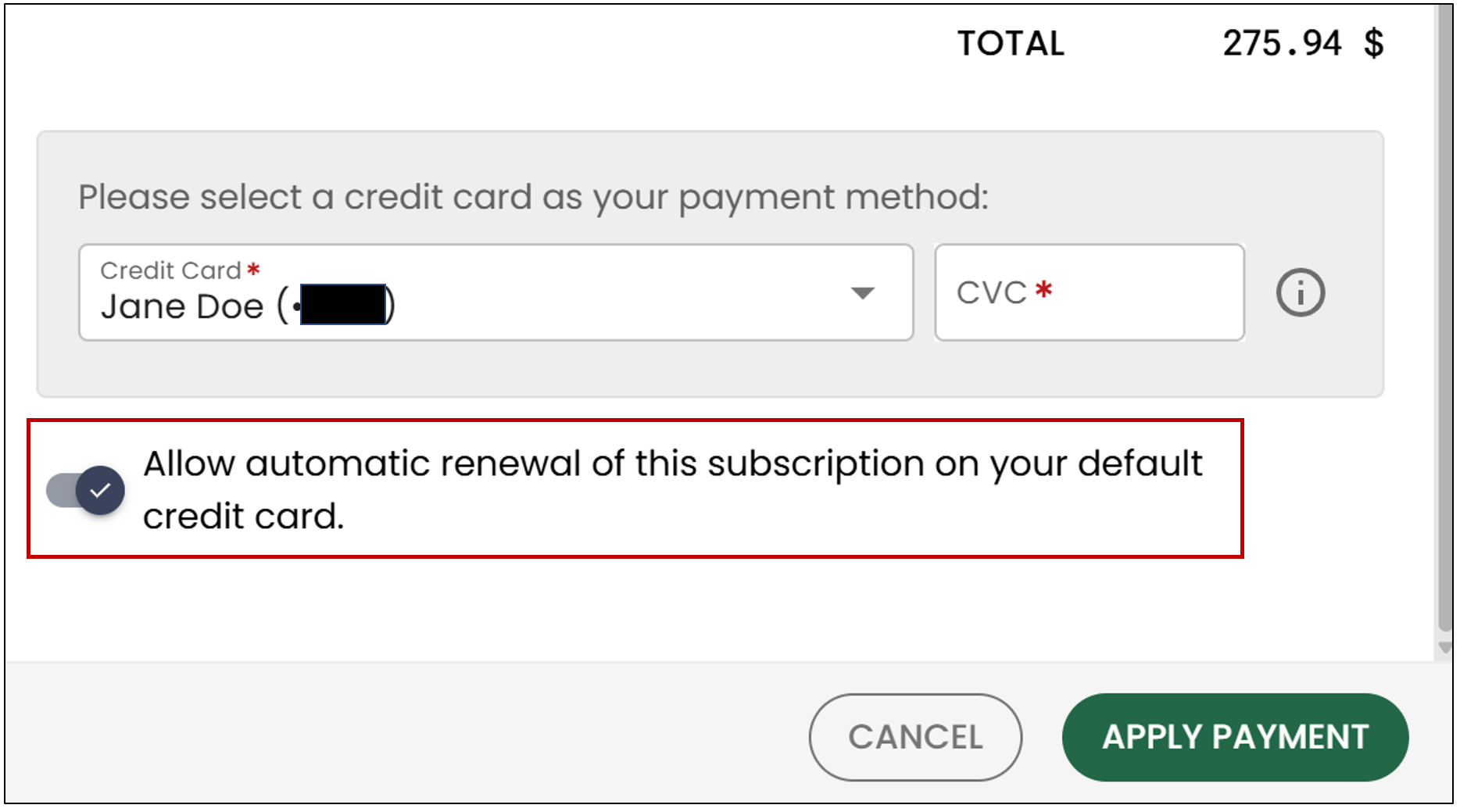
- Click Apply Payment.
Renew Your eZsign Subscription
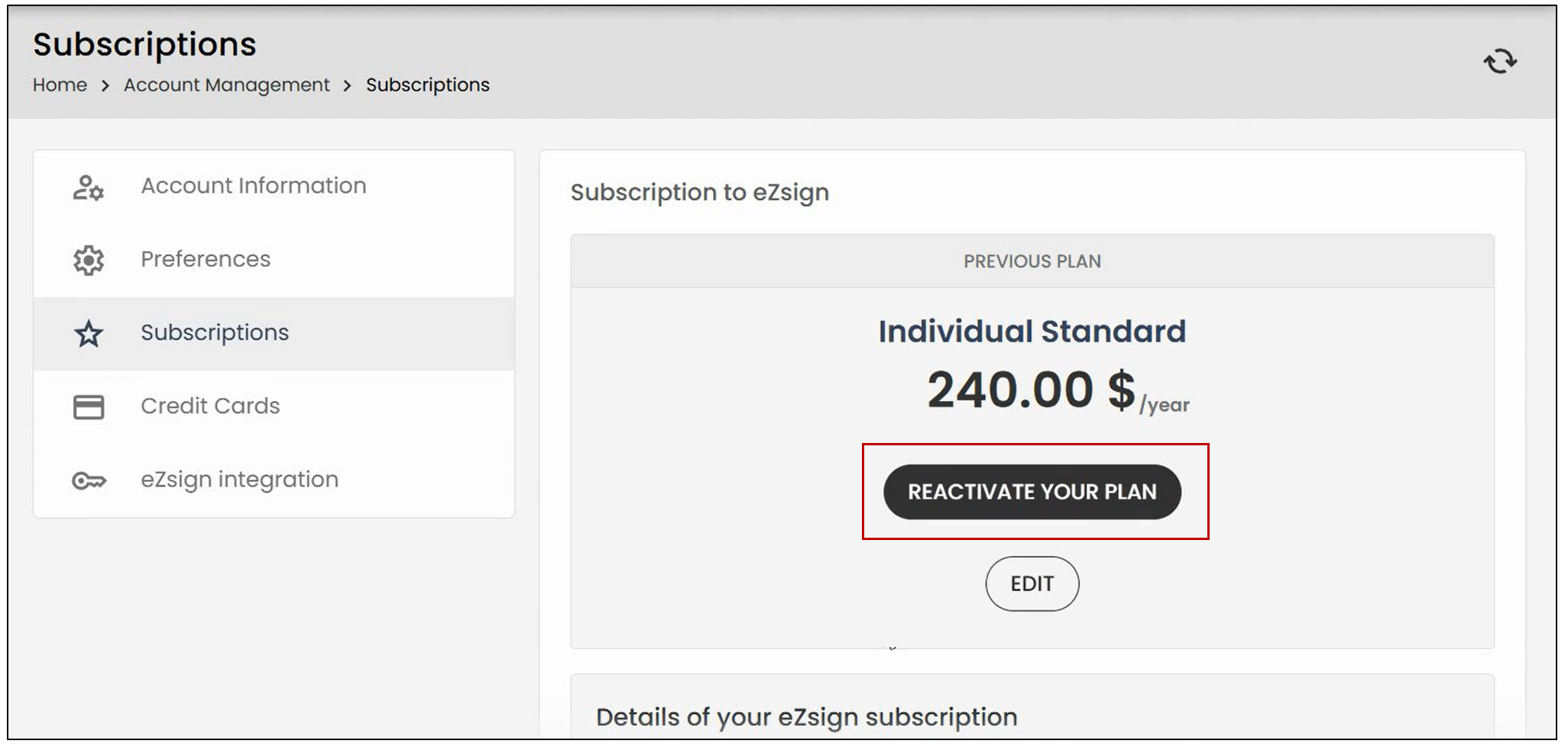
- To renew your eZsign subscription, click on your profile icon, then select Subscriptions.
- To reactivate your plan, click the corresponding button.
- You can then select a credit card or add a new one, and then click Apply Payment.
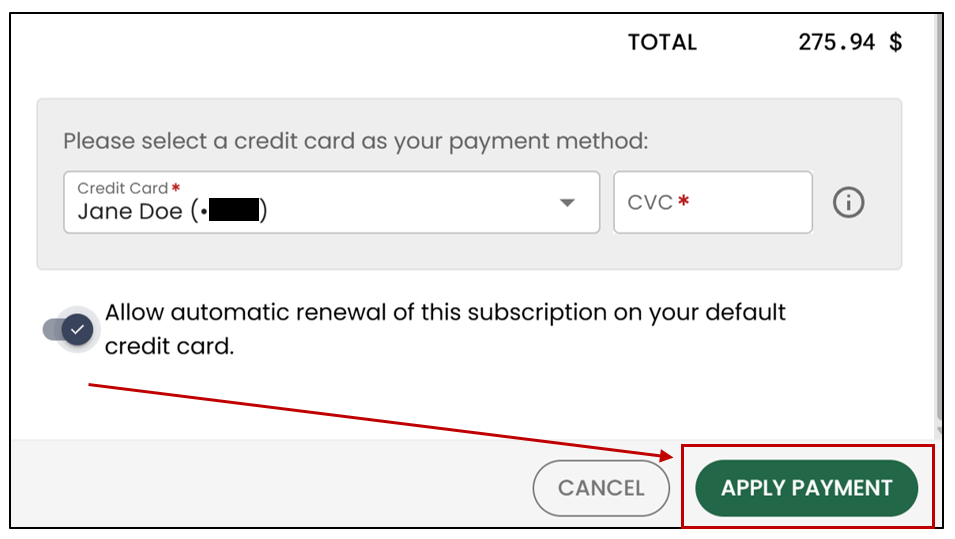
NOTE: When renewing, you will be able to modify your subscription. Simply click Edit.
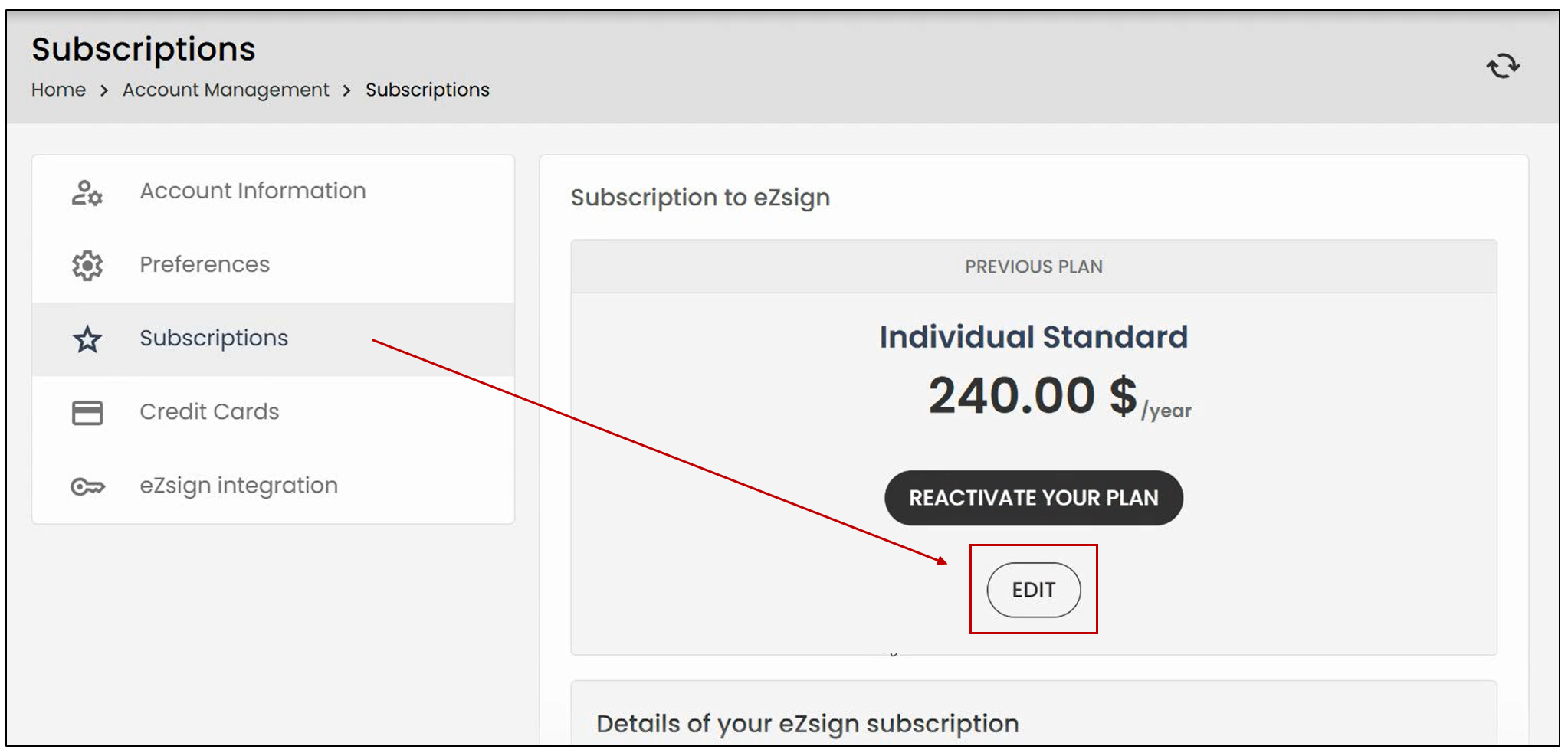
- You will then be able to select the desired plan by clicking Subscribe.