

English
Dashboard – Home Page
Customize the Dashboard
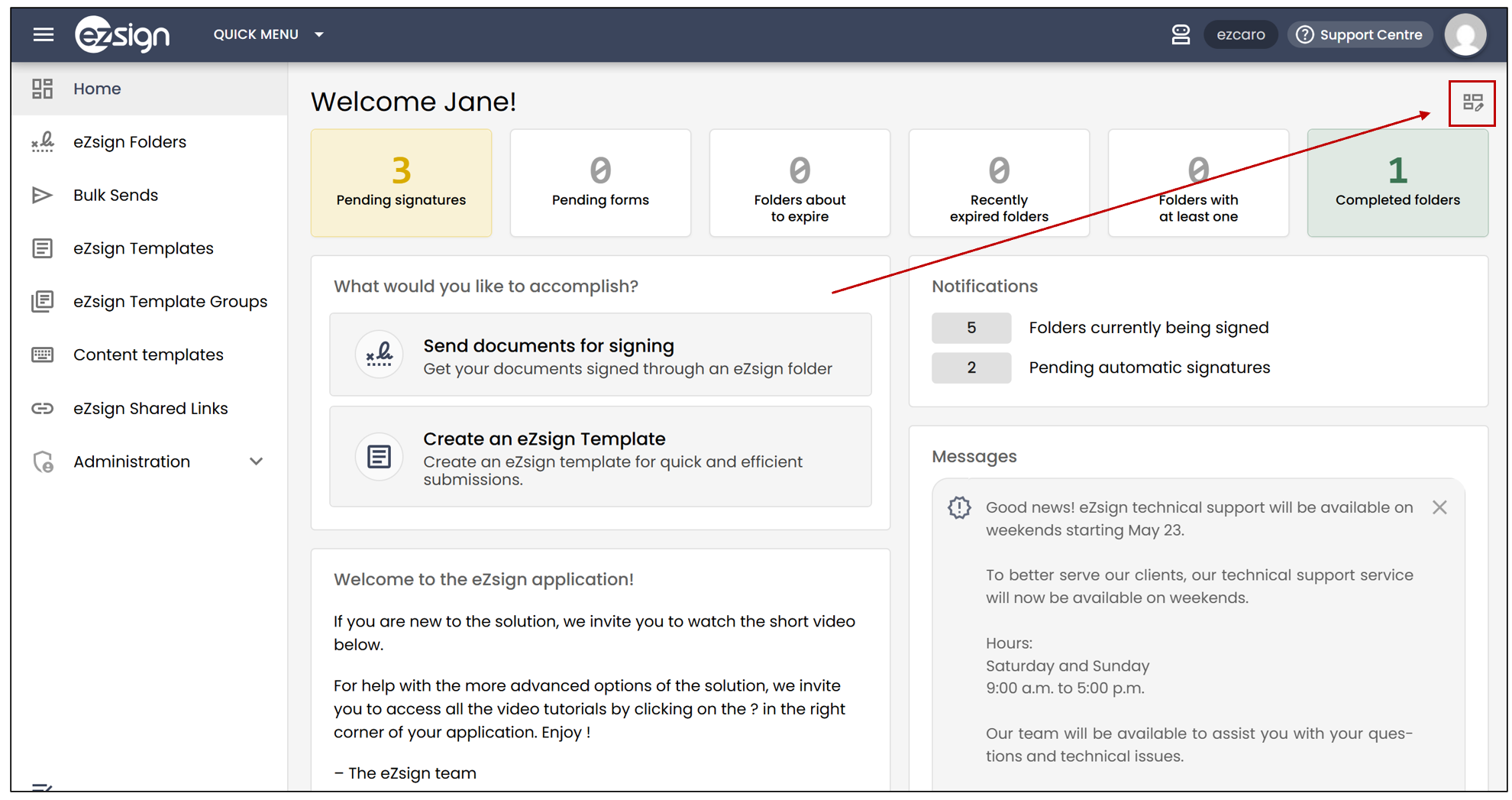
From the home page, click the dashboard edit icon to select the data you want to display.
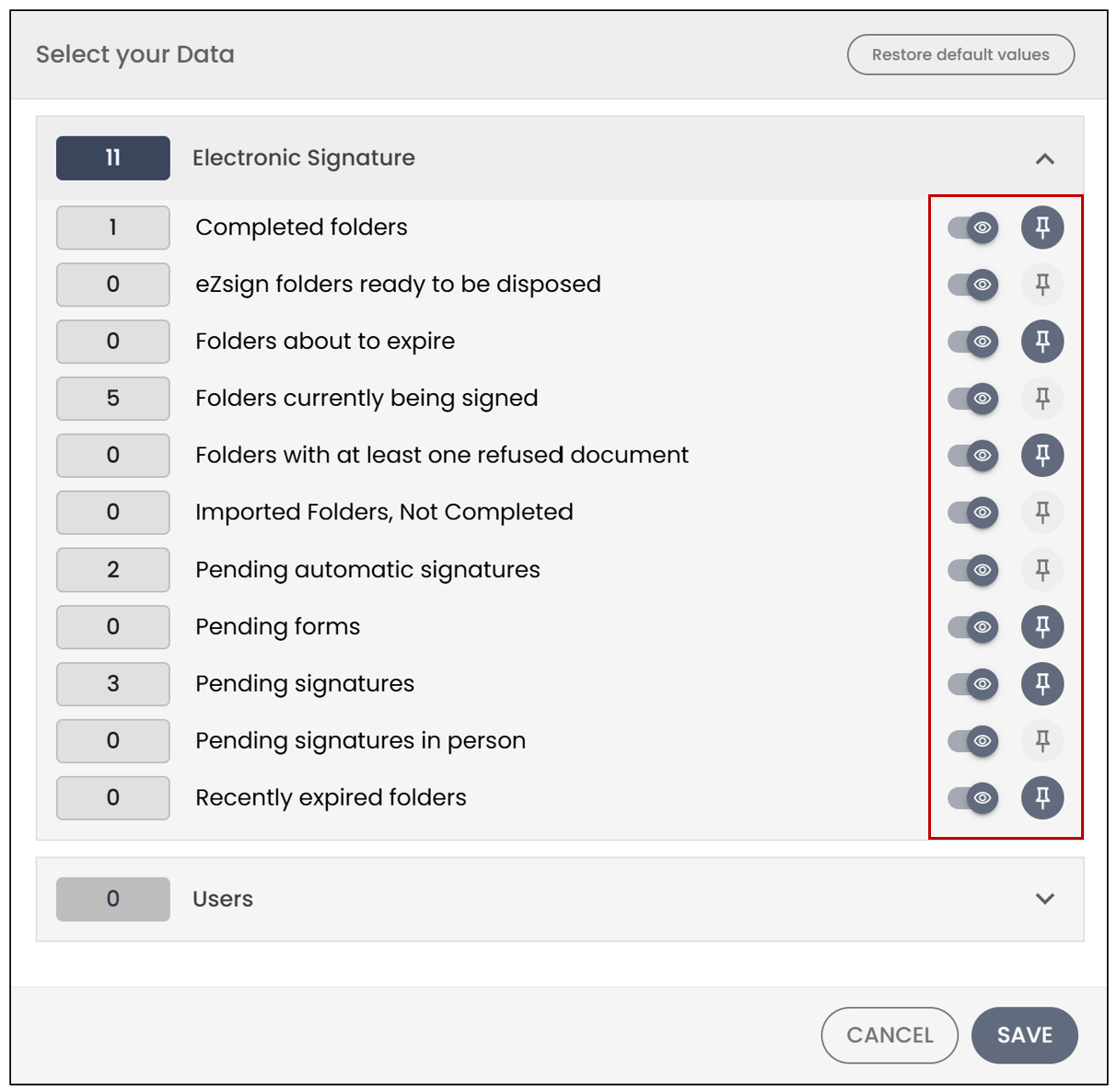
- To add an indicator to the dashboard , click the pin icon located to the right of it.
- To hide an indicator , click the **

**icon located to the right of it.
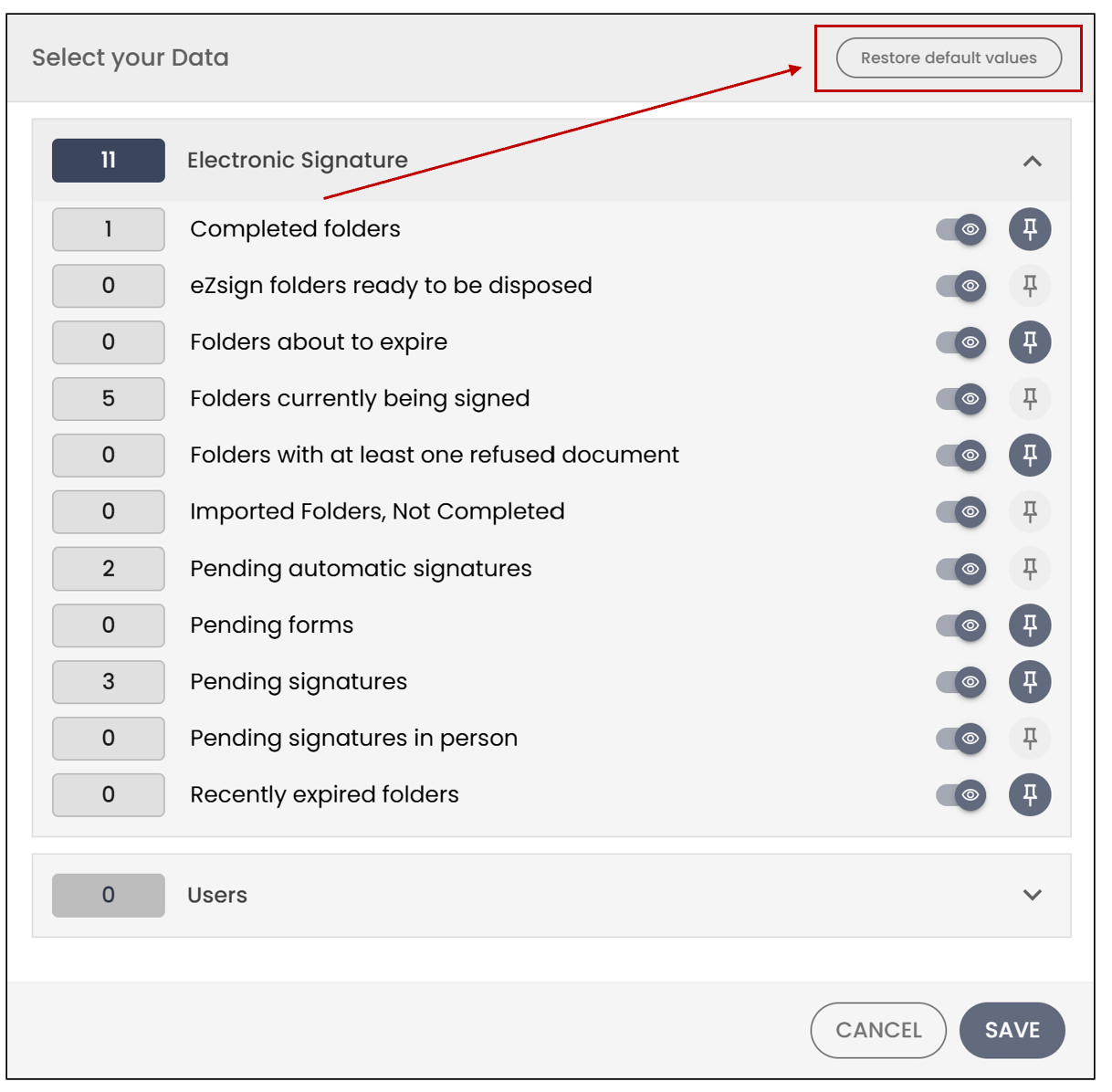
- To restore the default settings , click Restore default values.
Select Your Data
Electronic Signature
You can select the following indicators to display on your dashboard:
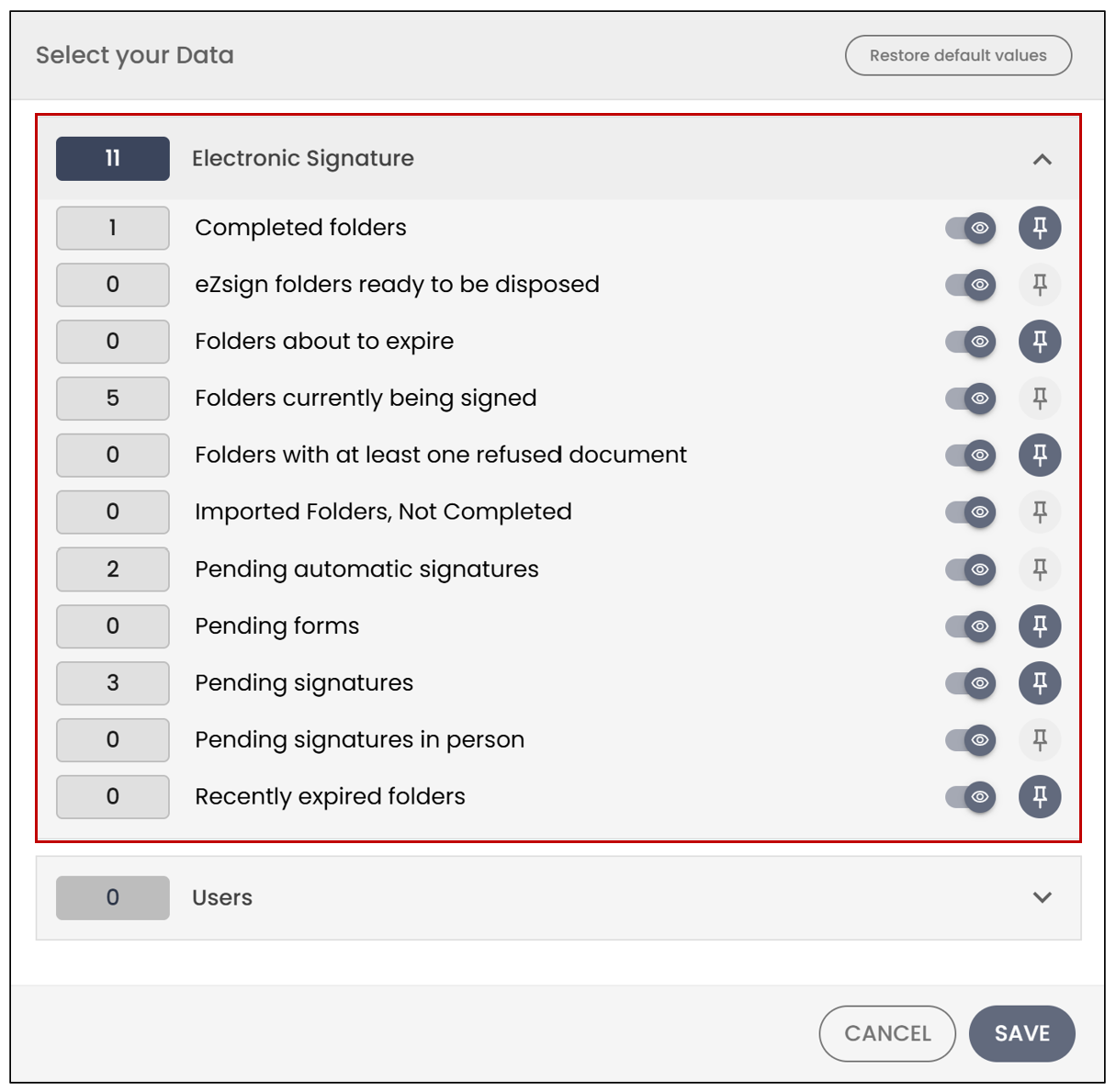
Completed folders : Displays folders completed within the last 7 days and where you are associated as the creator, CC recipient, or signatory.
eZsign folders ready to be disposed : Displays eZsign folders that are ready to be disposed of.
Folders about to expire : Displays folders that will expire within the next 5 days and where you are associated as the creator, CC recipient, or signatory.
Folders in Progress : Groups all folders with a status of Sent or Partially Signed , meaning folders for which you are waiting for one or more other people to sign. This indicator also helps distinguish Pending signatures folders, for which you have a signature to complete yourself, from Folders currently being signed , for which you are waiting for action from other signatories.
Folders with at least one refused document : Displays folders in which at least one document was refused within the last 7 days and where you are associated as the creator, CC recipient, or signatory.
Imported folders, not completed : Displays imported folders that have not yet been completed.
Pending automatic signatures : Displays automatic signatures that are pending.
Pending forms : Displays forms that are awaiting action.
Pending signatures : Displays signatures that require action.
Pending signatures in person : Displays in-person signatures that are pending.
Recently expired folders : Displays folders that expired within the last 10 days and where you are associated as the creator, CC recipient, or signatory.
Users
You can select the following indicator to display on your dashboard:
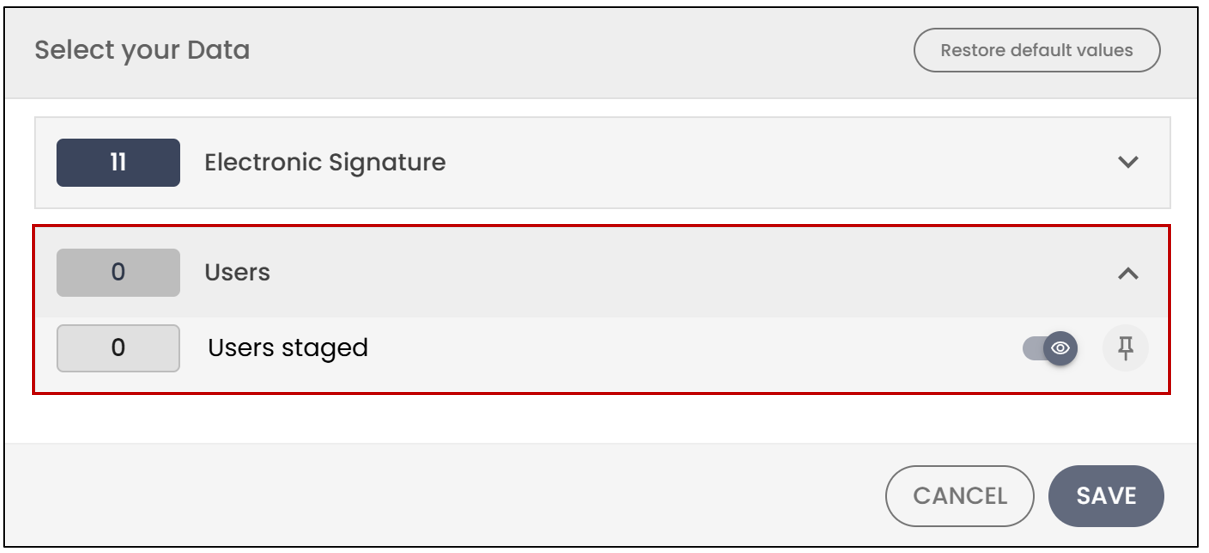
- Users staged : Displays users who are staged.