

Français
Exporting Info of eZsign Signatories
It is possible to create an Excel list of all your contacts, personal or shared, in order to view their contact information on the same page.
- From Main menu >> General >> List of Personal/Shared Folders - eZsign or click on one of these two icons :

(List of Personal Folders) or

(List of Shared Folders).
- Click on Actions >> Export Signatory Info.
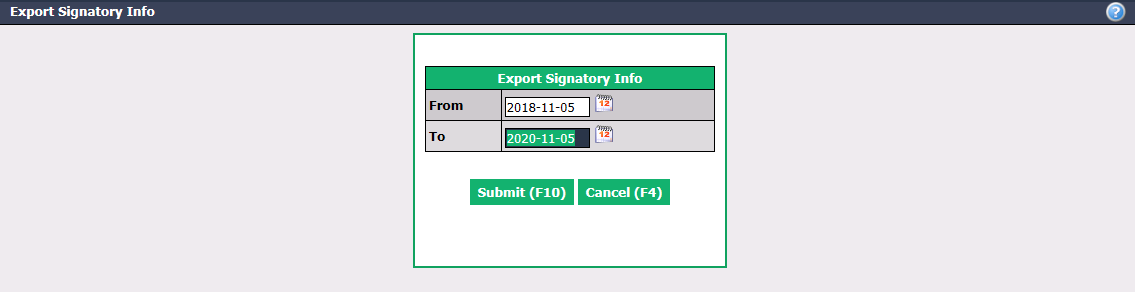
You can change the dates From and To entered by default.
Click on Submit.
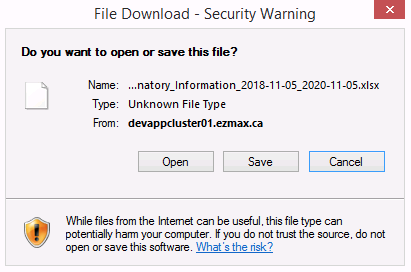
- Click on Open or Save.
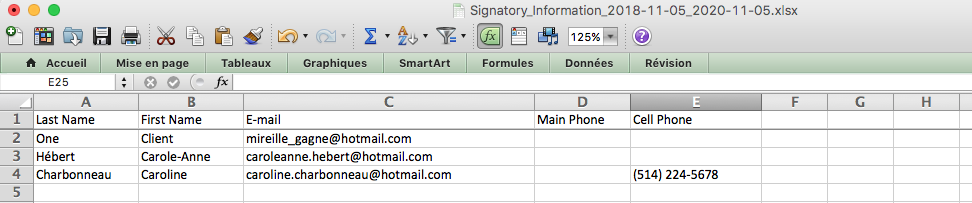
- For each contact, you can see the Last Name , First Name , E-mail address, Main Phone number and Cell Phone number.
NOTE: If you want to make changes to the contact information of these signatories, you must do so via the eZmax platform. For more information, please see the article Adding/Editing/Deleting a Signatory in an eZsign Folder.