

English
Computers to be Authorized
In global configurations, when the box is checked in the computers to be authorized by the administration and an Admin user wants to log in for the first time, it will be necessary to authorize his computer.
- The user attempting to log in will see this message appear:
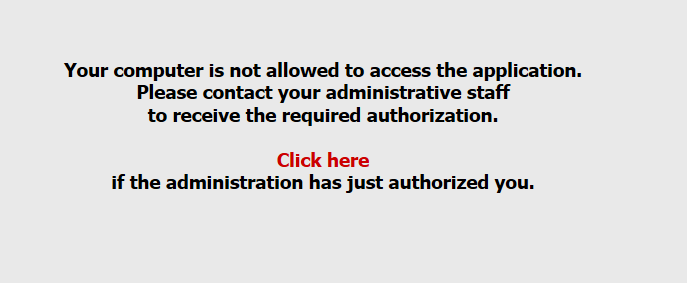
- The user who will authorize the computer will have this message on his home page: "Computers to be Authorized".

- Click on the number to the right of the message to display the List of Computers to be Authorized.
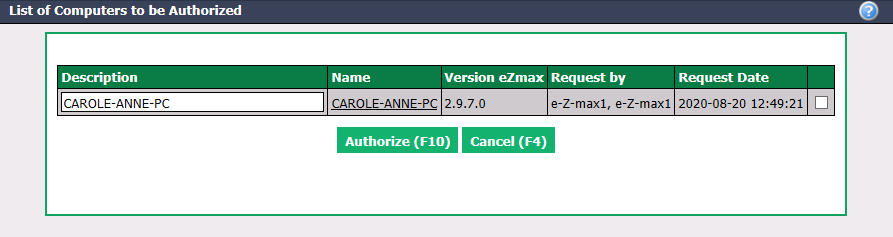
Check the box to the right of the desired computer.
Click on Authorize and the user will now be able to log in from this computer.