

English
Adding a Note to a Transaction
- When you want to add a note to a transaction, click on the icon at the top of your transaction file.

In the Options Menu, you can select the colour of the note. You can also add a Reminder Date.
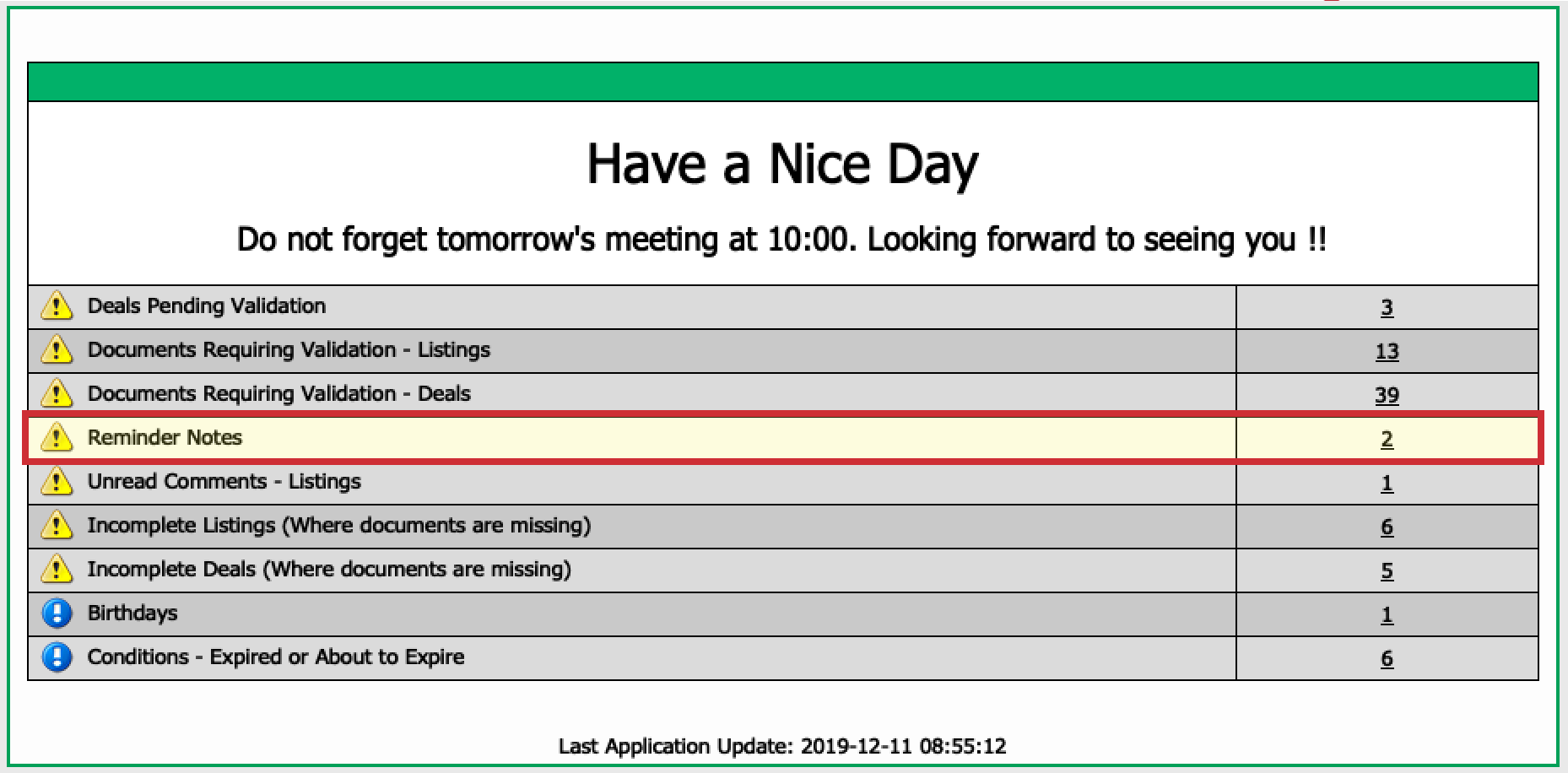
On the date of the reminder, the file will be displayed on your home page under the message "Reminder Notes".
To facilitate the management of notes in the office, we recommend starting your note with your first name.
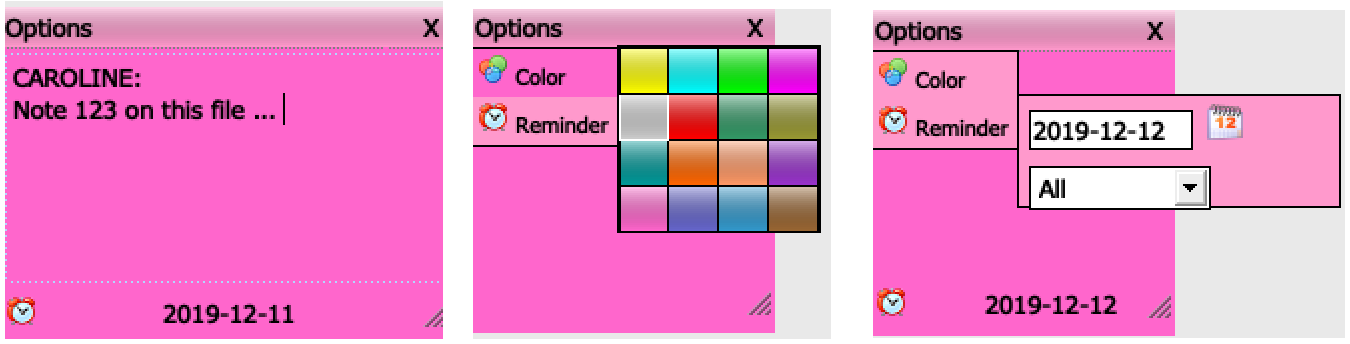

- To delete a note, simply click on the X in the right corner at the top of the note.