

English
Uncashed deposits
A Uncashed deposit is a trust deposit added to a transaction, but not yet deposited into the system.
Manually record the deposit
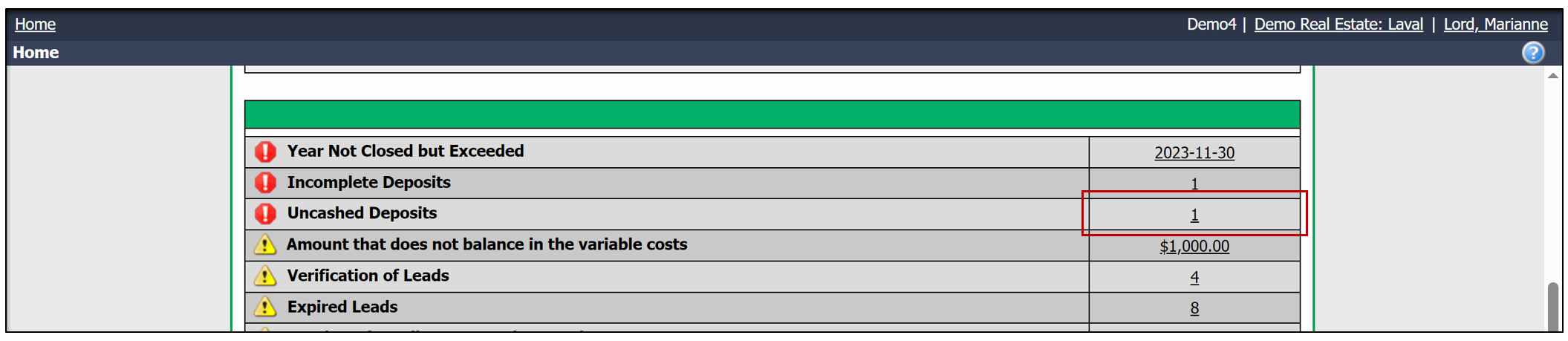
From the home page >> Click on the number to the right of Uncashed Deposits.
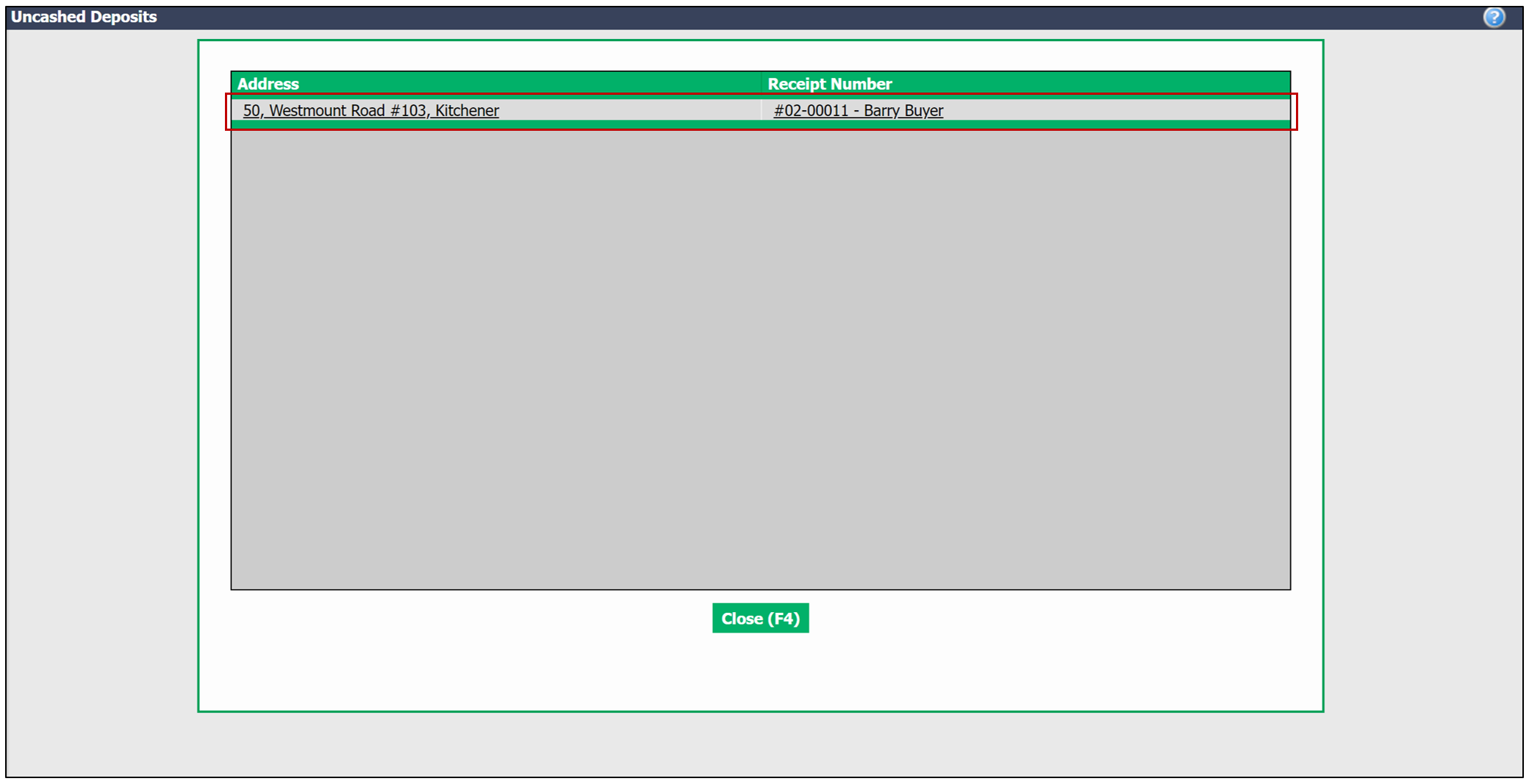
- Then click on the uncashed deposit you wish to manually record.
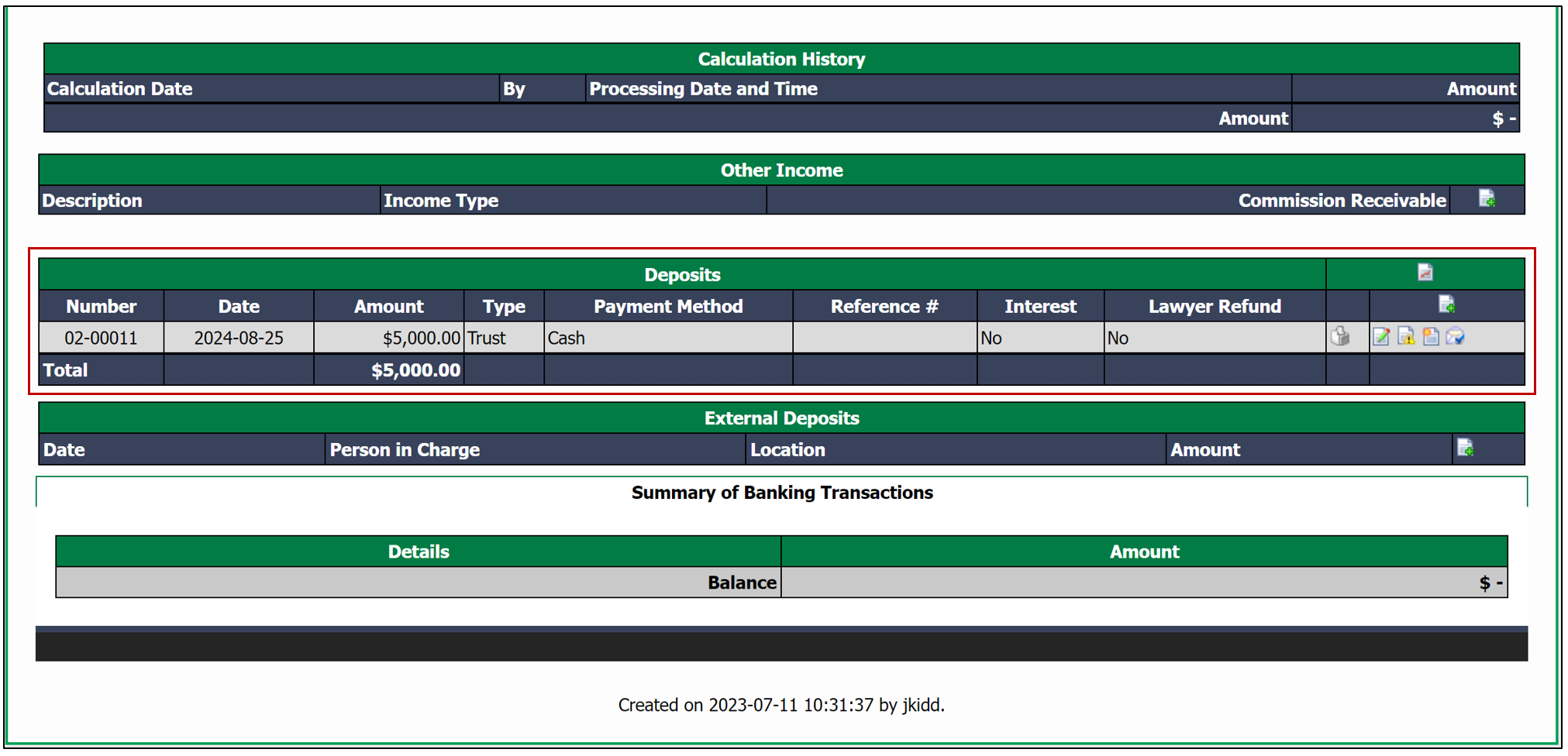
- Then scroll down to the Deposits section.
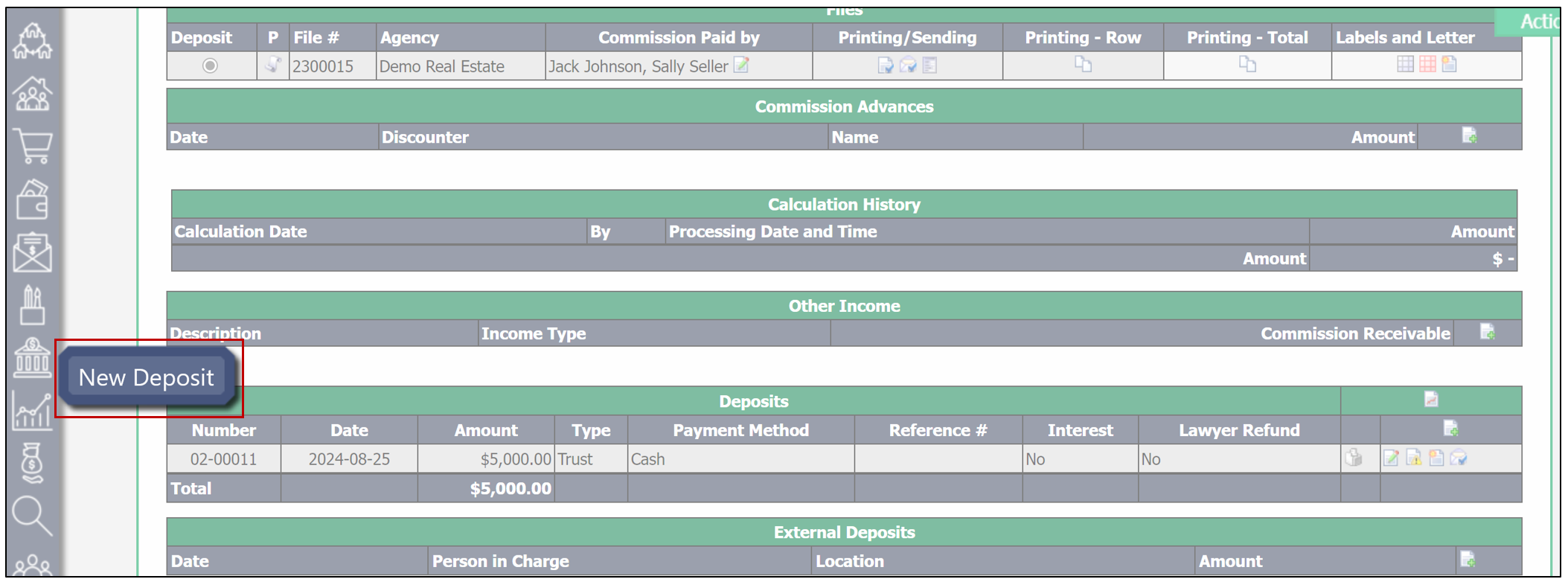
- Right-click on the bank icon, then select New Deposit.
- You will need to select the Bank Account , then click on the green checkmark to the right. In this example, the bank account is Trust.

- You will then need to enter the Deposit Number as well as the Deposit Date.
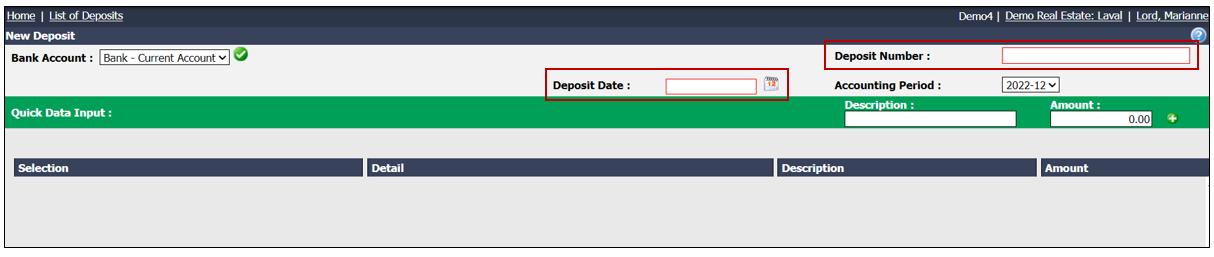
NOTE: We recommend using the deposit date or the address as the Deposit Number.
- Enter the Address of the uncashed deposit.

You will be automatically redirected to this page (see below).
- Click on Submit.
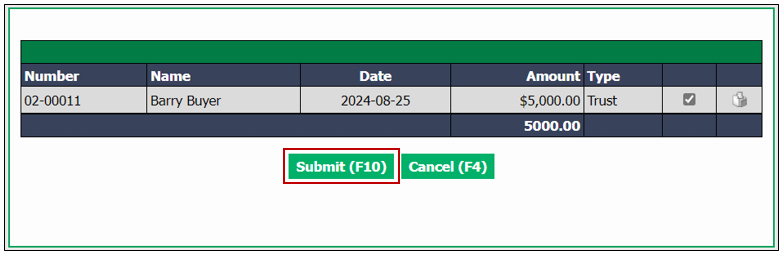
- Click on Submit again to cash the deposit.
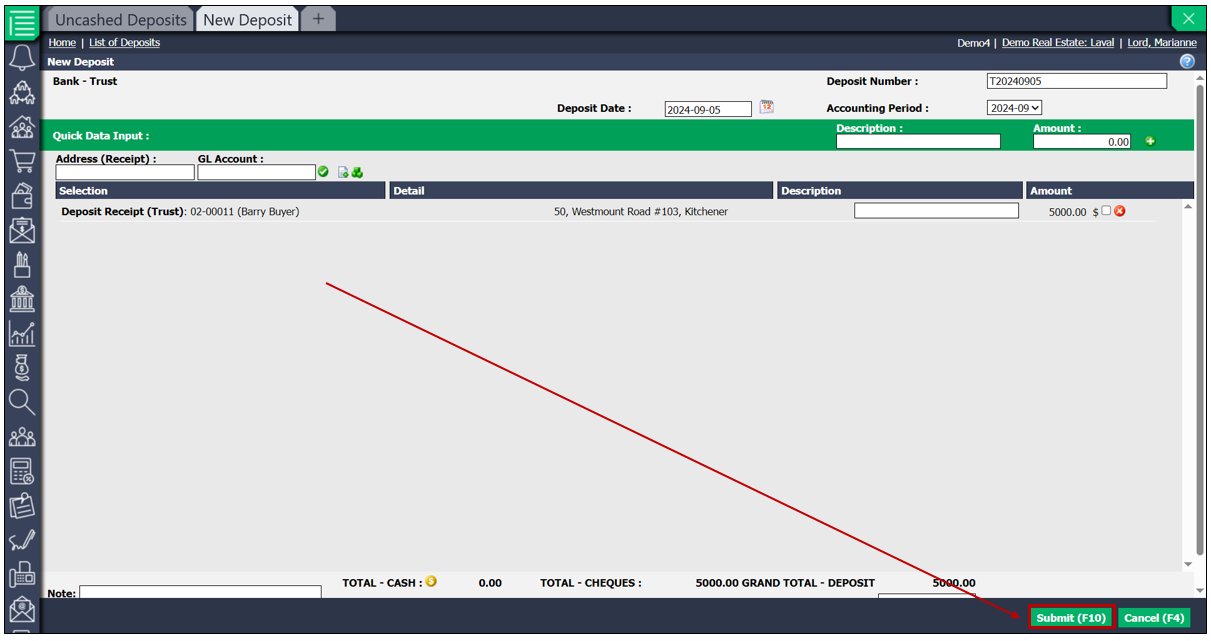
NOTE: This deposit will no longer be visible on your homepage.