English
Associating a Deal with a Buyer’s Contract
In the event that you have omitted to create a deal from the buyer’s contract, it is possible to associate an existing deal (closed or not) with an existing buyer’s contract.
Locate the deal to which you want to associate a buyer’s contract using the search tool (Binoculars icon).
Click on Actions >> Associate with a Buyer’s Contract.
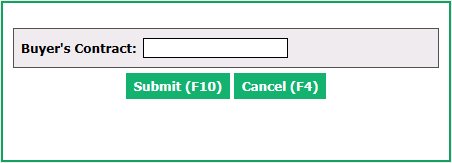
Enter the number of the Buyer’s Contract that you want to associate with this deal.
Click on Submit.
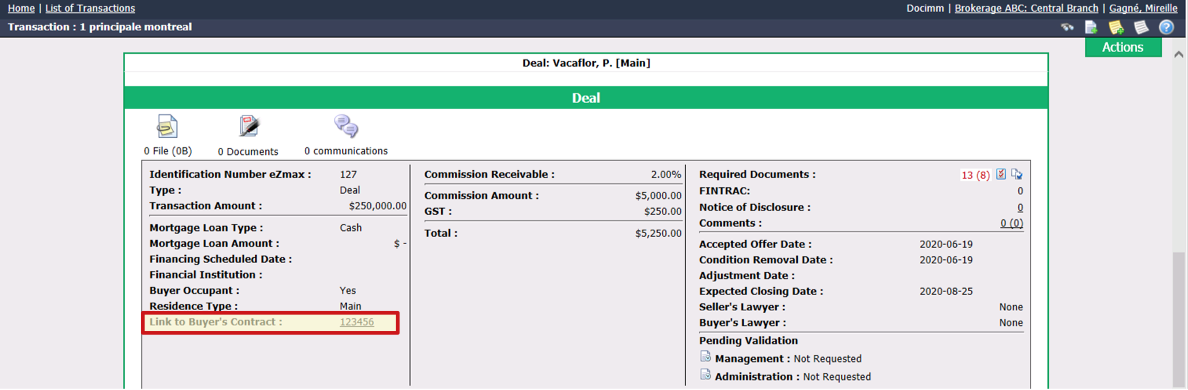
The link to the buyer’s contract will be added in the "Deal" section of the transaction.
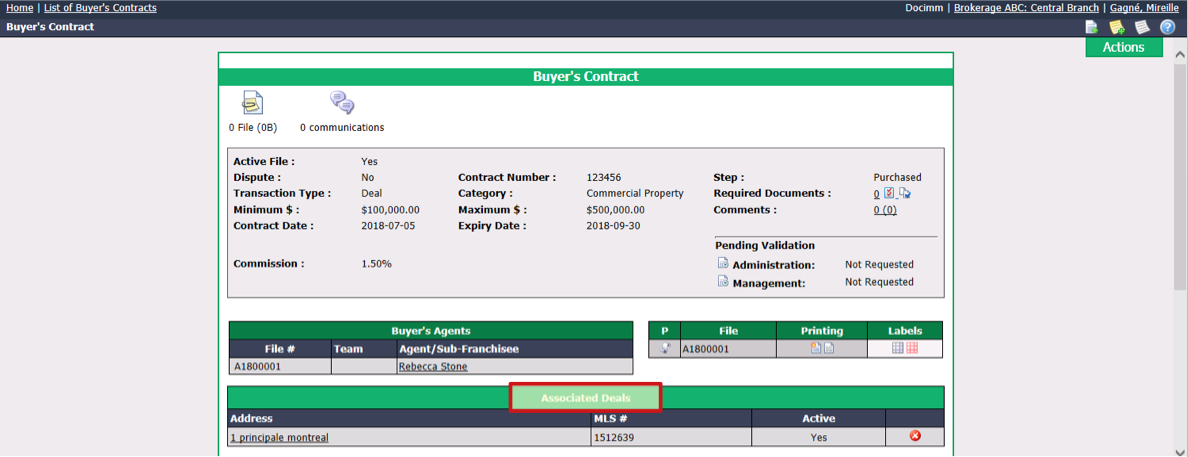
- The link to the deal will be added in the "Associated Deals" section of the buyer’s contract.