English
Creating a Deal from a Buyer’s Contract
Locate the desired buyer’s contract using the search tool (Binoculars icon).
- Click on Actions >> Create a Deal.
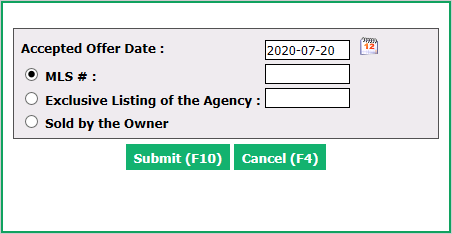
Enter the Accepted Offer Date.
Choose one of the following 3 options:
- MLS #
- Exclusive Listing of the Agency
- Sold by the Owner
If there is no MLS number associated with this transaction, check Exclusive Listing of the Agency and enter either the eZmax ID number or the address.
Click on Submit and the deal file will appear.
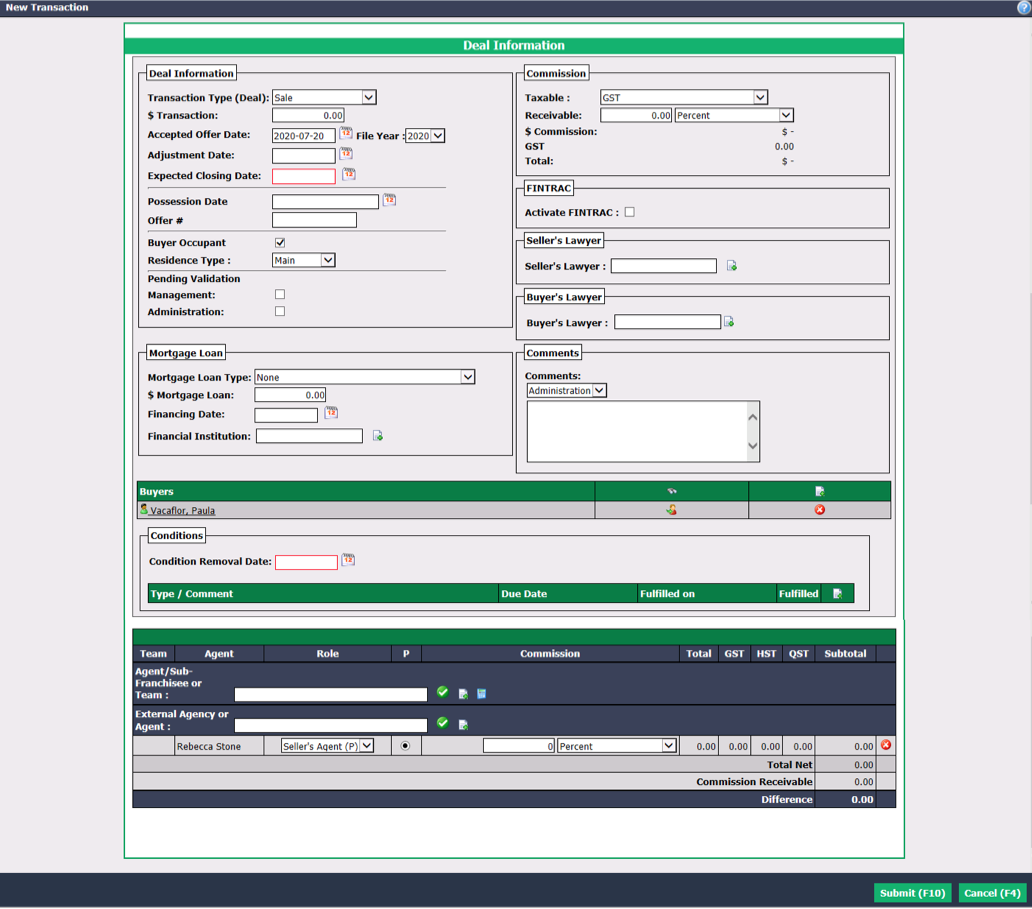
Enter all the mandatory information (Expected Closing Date , Condition Removal Date and Seller’s Agent (P) in Role) as well as all other desired information. For more information, please see the article Creating a Deal.
Click on Submit.
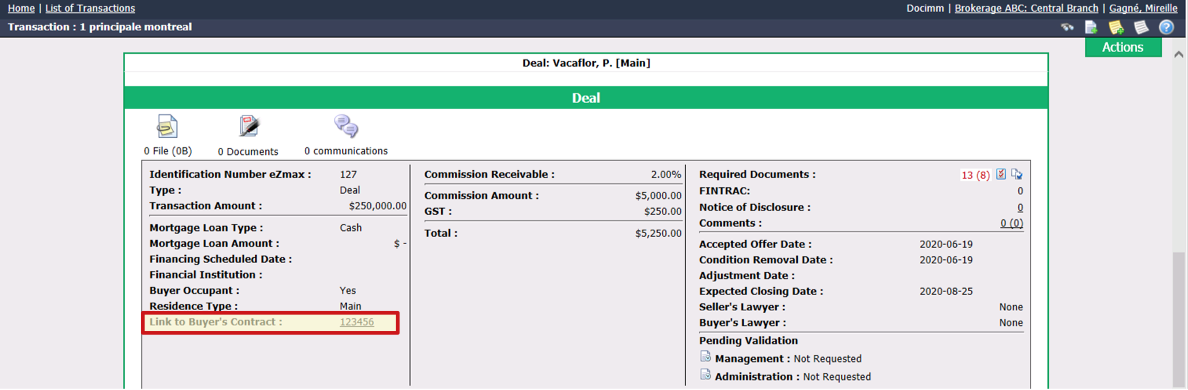
The link to the buyer’s contract will be added in the "Deal" section of the transaction.
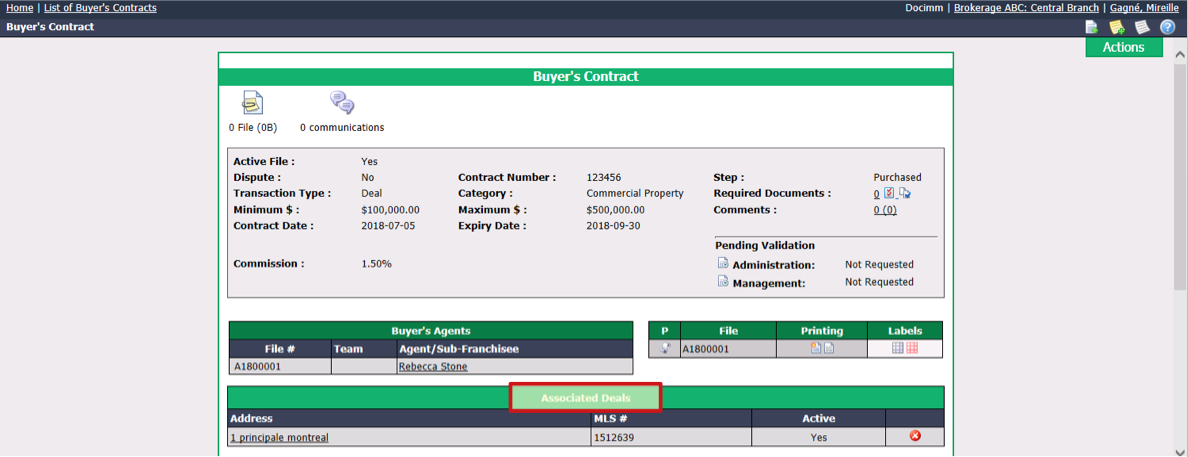
- The link to the deal will be added in the "Associated Deals" section of the buyer’s contract.